Design feedback
Review UI decisions and give clear feedback on the actual product, not a flattened export.
Review websites and digital products, compare designs with the real product, and collaborate directly where the work happens, without endless screenshots or feedback threads.
Works with live, staging and development websites.
A screenshot gets shared. Someone replies in Slack. Someone asks which element you mean. Another screenshot follows.
The context disappears, and the same issue gets discussed again a week later.
EasyQA keeps feedback connected to the exact place where the work happens.
The whole loop, from spotting an issue to getting it resolved.
Any website or digital product: live, staging or local. Nothing to deploy first.
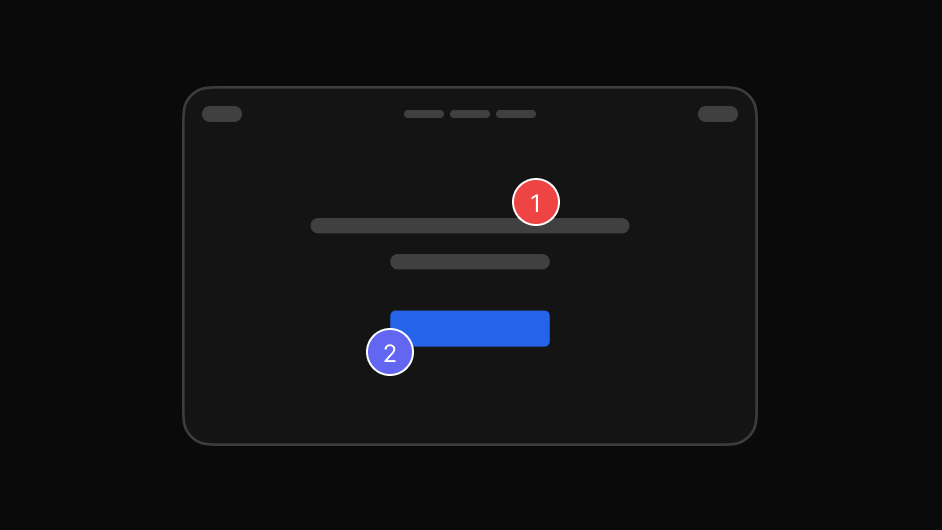
Select the exact element and add your feedback. The element is captured with it.
Group the feedback into one report and share it with the right people.
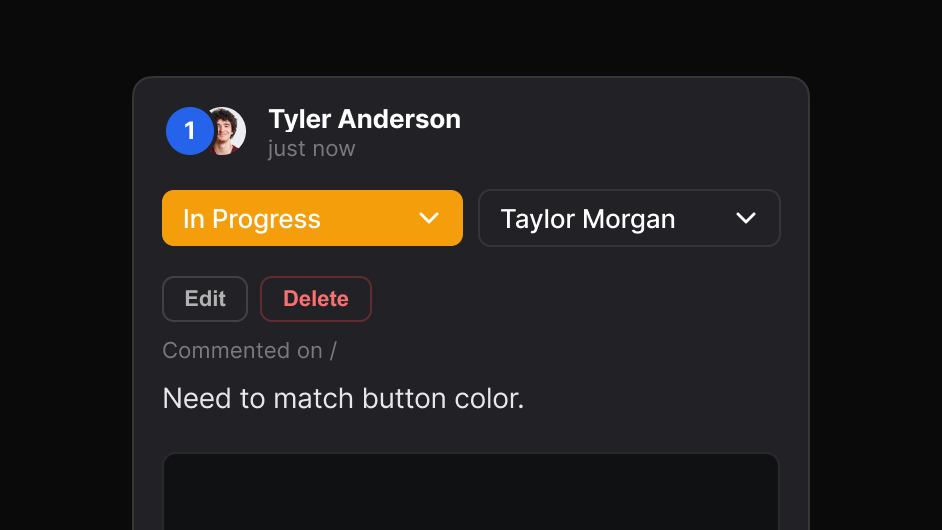
Reply in context, set priority, and put each item in front of whoever fixes it.
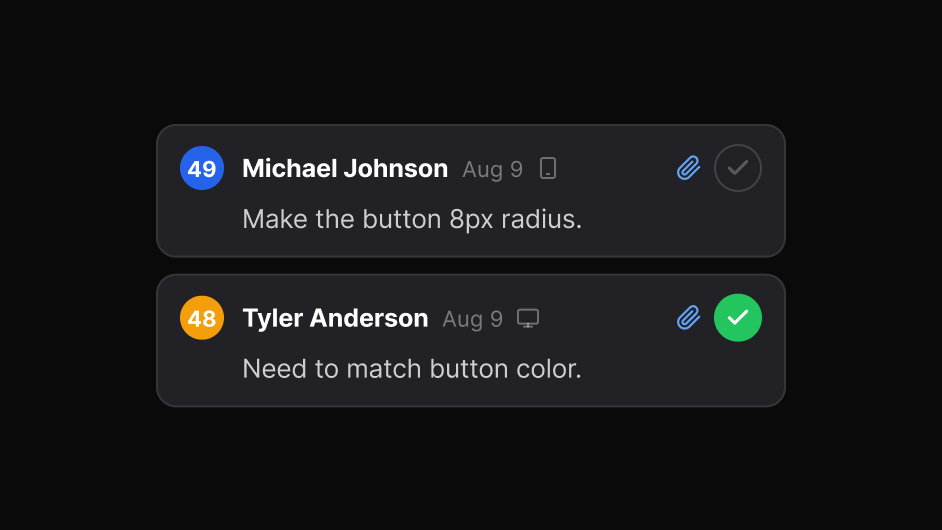
Close the loop when the work is done, with the history kept alongside.
EasyQA connects visual feedback, design review, visual QA, team discussion and issue resolution in one workflow.
One review can support every stage of the product workflow.
Review UI decisions and give clear feedback on the actual product, not a flattened export.
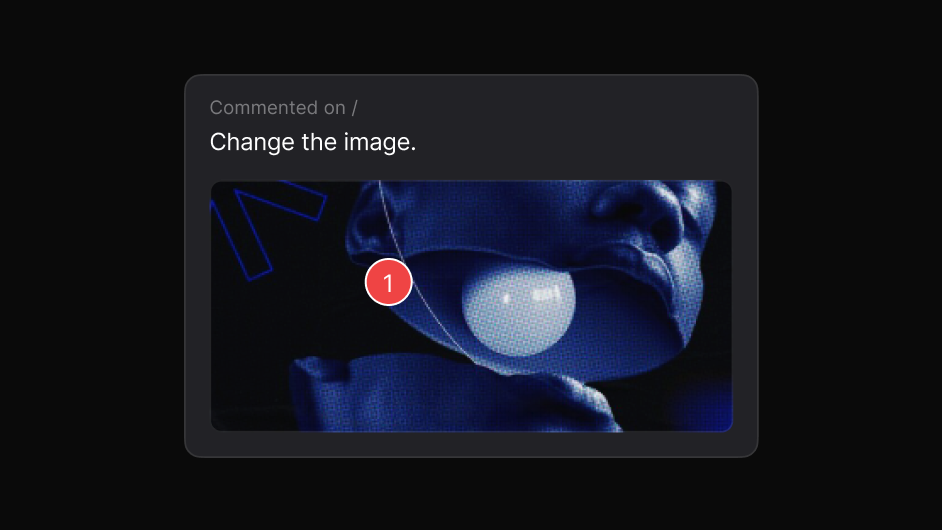
Comment directly on live or staging websites, where the issue actually appears.
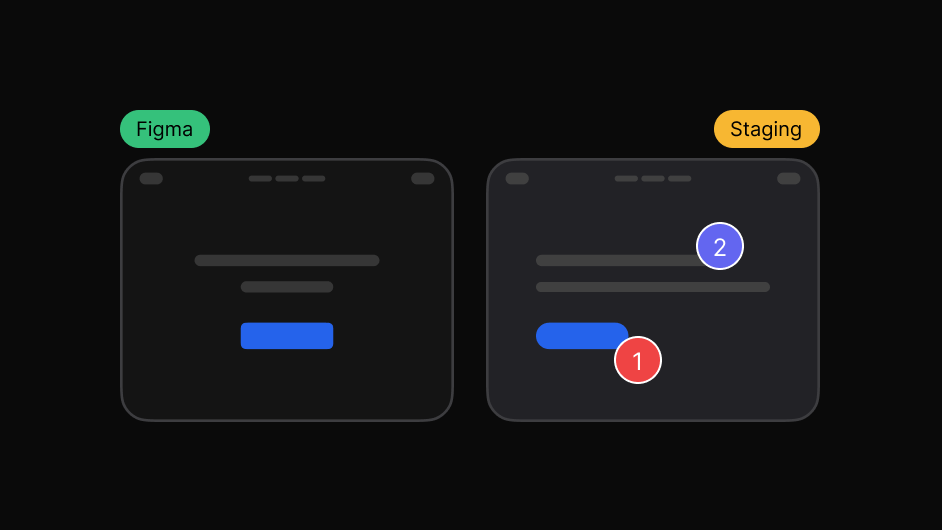
Check how the final implementation matches the intended design.
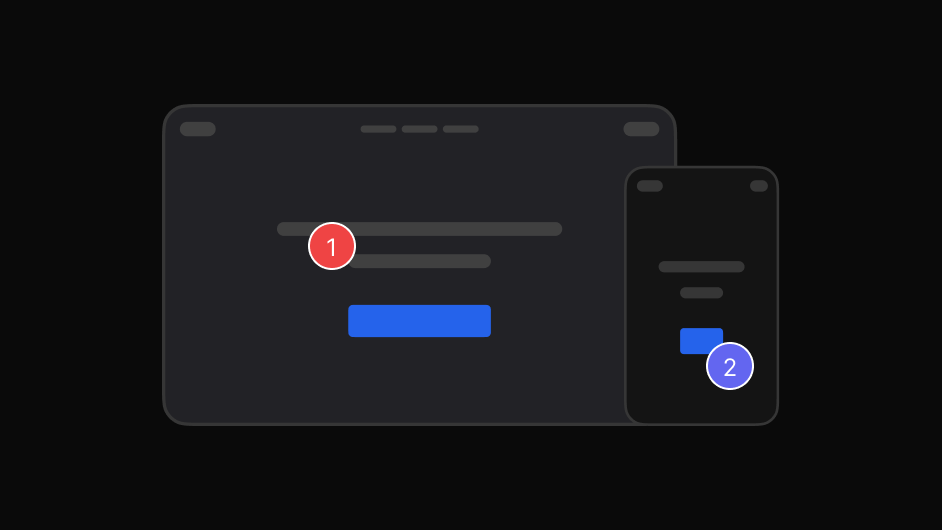
Find and report UI and visual issues with clear, reproducible context.
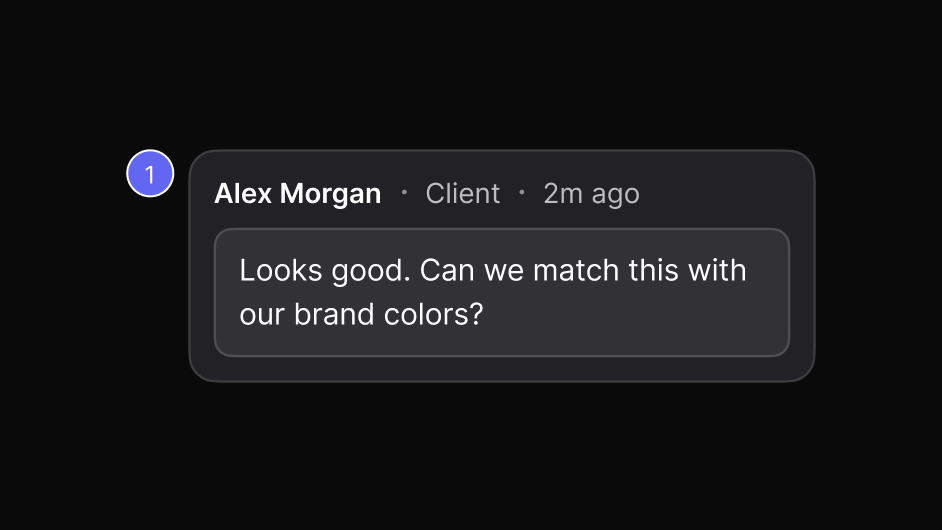
Let clients review and comment without scattered screenshots or email threads.
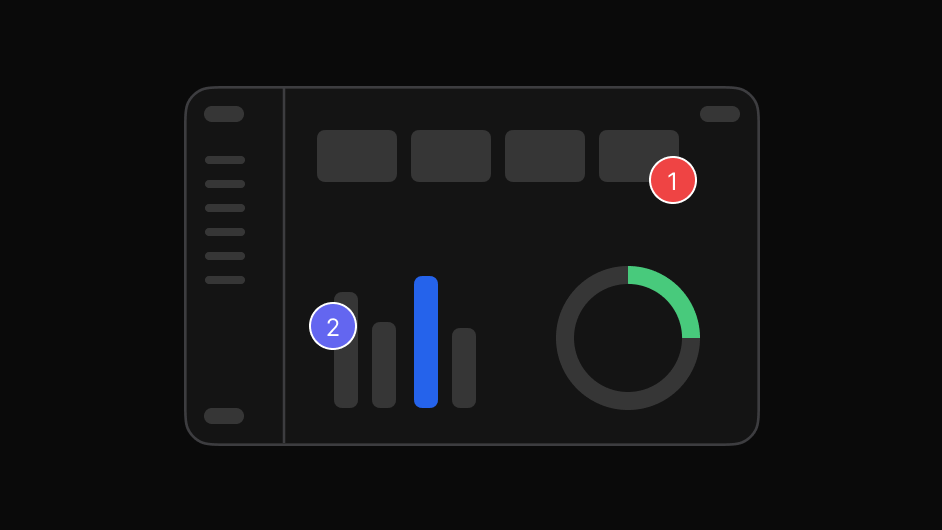
Collect stakeholder feedback on the real experience before launch.
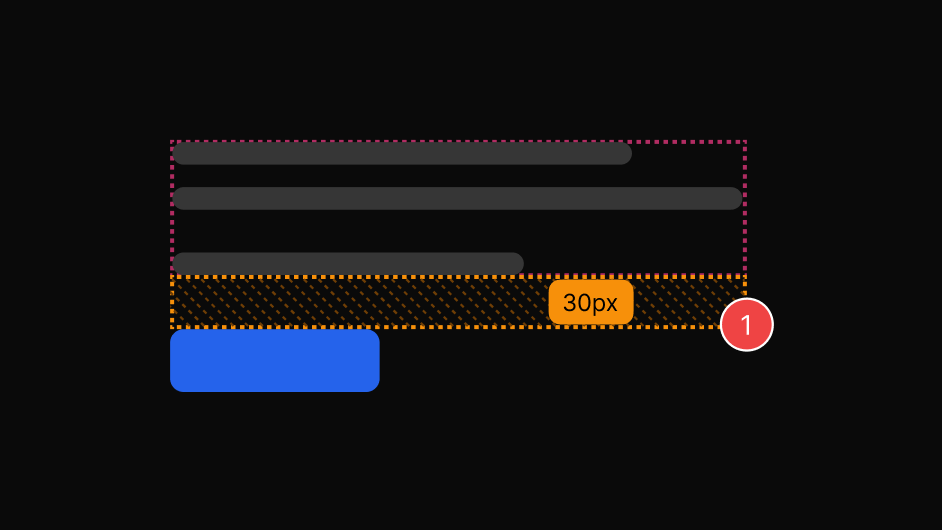
Compare the intended design with the actual implementation and catch spacing, typography, colour, layout and component differences faster.
The browser plugin captures feedback where it happens. The dashboard turns that feedback into organised, collaborative work.
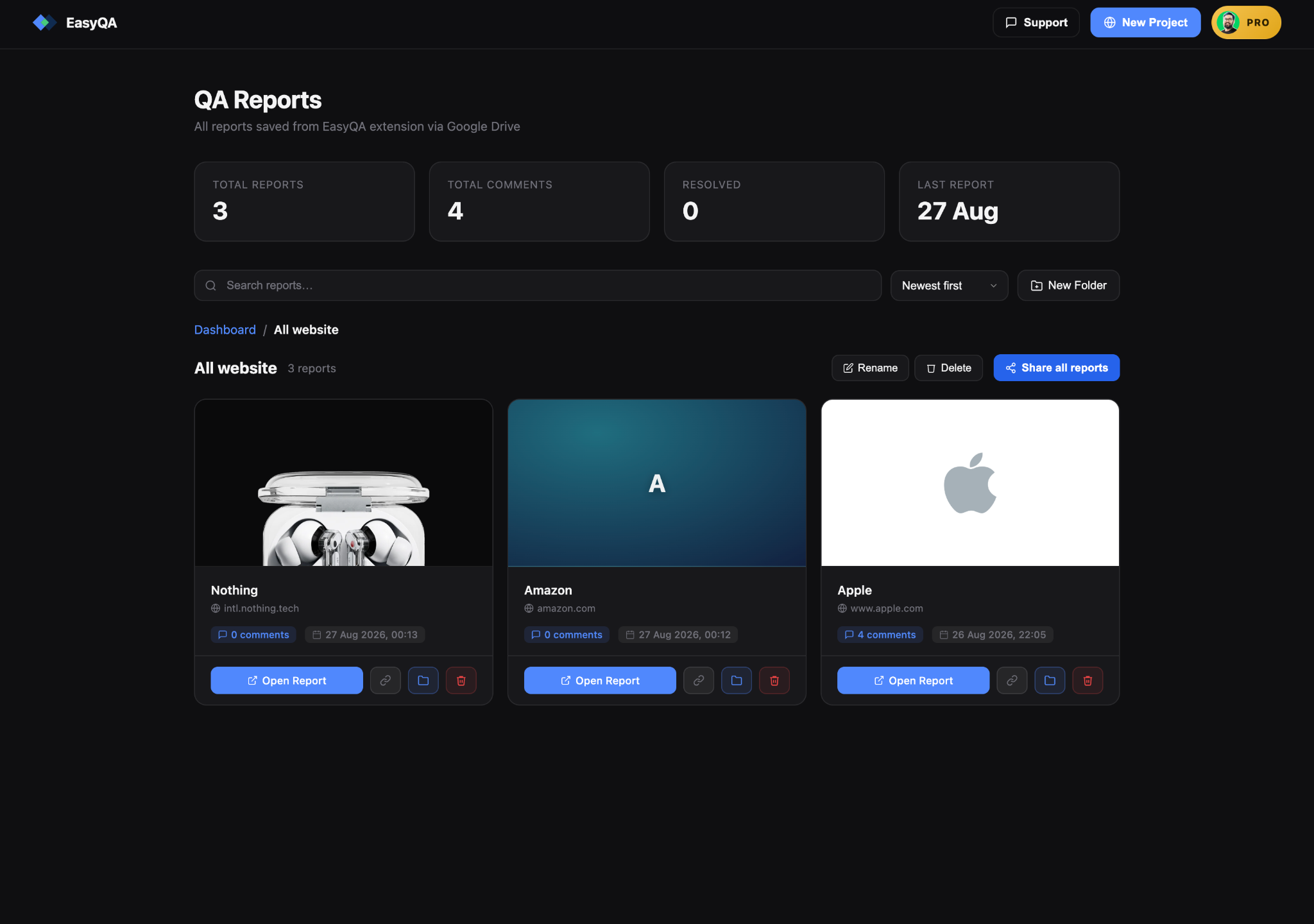
The same review, read the way each person needs it.

Check the built page against what was designed, spot visual differences, and flag what needs attention.

Get the element, the page and the intent instead of a cropped image.

Give clients one place to review, comment and follow progress.

File visual issues with the exact page and element attached.

Collect stakeholder feedback on the real experience before launch.
Real reviews from the Chrome Web Store.
“Really useful extension for design QA! The overlay and compare tools make it super easy to spot differences between design and dev. Would love to see more features added great start!”
“EasyQA is a handy tool for comparing designs with the live site. The overlay feature works well and the commenting is a nice touch. Looking forward to seeing what’s coming next!”
“Good extension for QA work. Being able to drop comments right on the live page and share a link without the recipient needing to install anything is genuinely useful. Will keep using it.”
“wow, this is amazing - helping me to create quality work”
Start free and share feedback with clients. Upgrade to Pro or Team when you need more reports, more comments and your own team.
Cancel any time. Your reports live in your own Google Drive, so they stay yours either way.
No. A share link opens in any browser, and guests can reply and resolve without signing in or installing anything.
Not for a Project. You paste a URL and EasyQA serves a commentable copy of the page, so anyone with the link can comment straight away. The extension is for reviewing sites you open yourself.
The extension works on any page you can open in Chrome, including local and staging environments, because it runs in your own browser session.
In your own Google Drive. You keep them if you ever stop using EasyQA.
Every review tool, three saved reports, and up to 10 comments per report. Pro removes both limits: unlimited reports and unlimited comments.
The extension runs in your own browser session, so it works on live sites, staging, localhost and anything behind a login. The people you share reports with never need it.