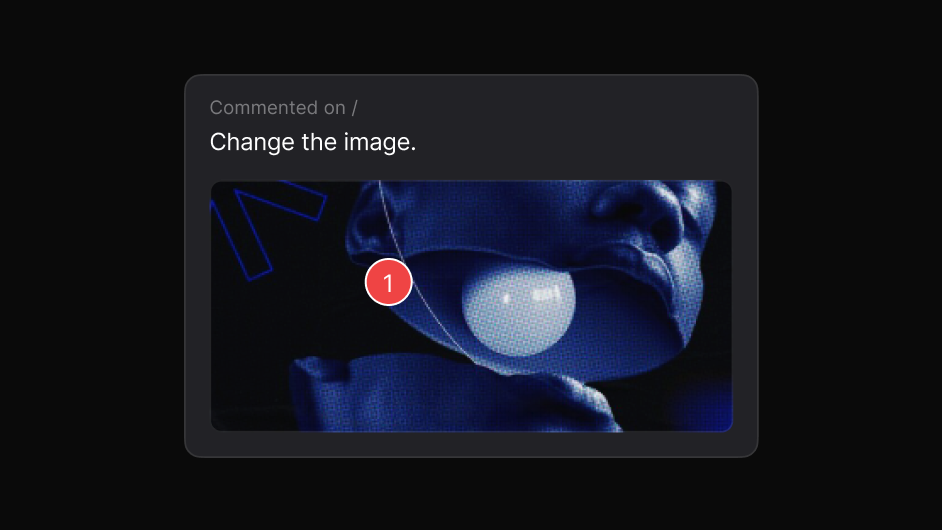
Point to the element
Attach the note to the component you mean, not to a paragraph describing it.
Review the implementation, compare it with the intended design, and give precise feedback where the difference actually appears.
Works on live, staging and local sites. The people you share with need nothing.
Feedback given on a static export is feedback about a picture. The built page has real type rendering, real breakpoints, real hover states and real content lengths.
So the notes that matter most are the ones nobody can give until it exists, and by then the conversation has moved somewhere else.
Review the thing itself, and the feedback is about the thing itself.
Three steps, and none of them involve a screenshot.
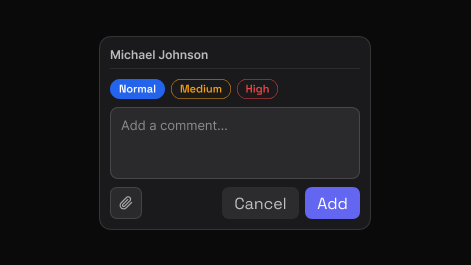
Point to the exact element and say what needs attention. EasyQA captures that element automatically, so the comment carries its own visual context.
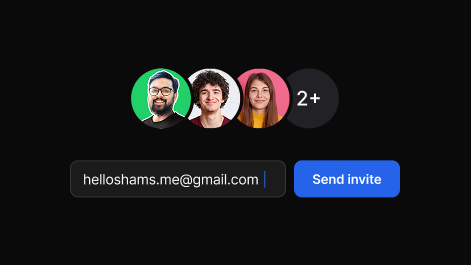
Share one report. Teammates and clients reply in the browser, in real time, with no account and nothing to install.
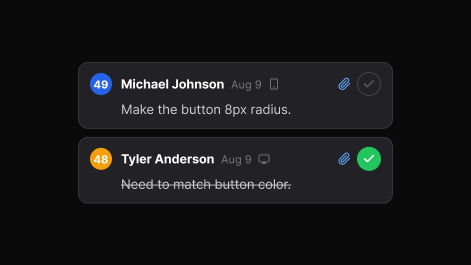
Set priority, assign, and track each item to resolved. The dashboard keeps every review, in folders you can search.
Not just for bugs.
Attach the note to the component you mean, not to a paragraph describing it.
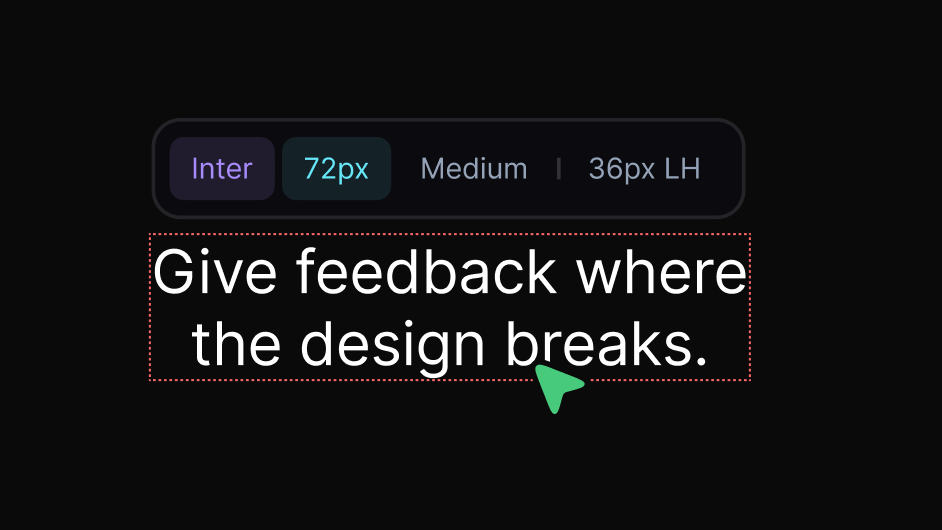
Family, size, weight, line height and letter spacing, read off the page.
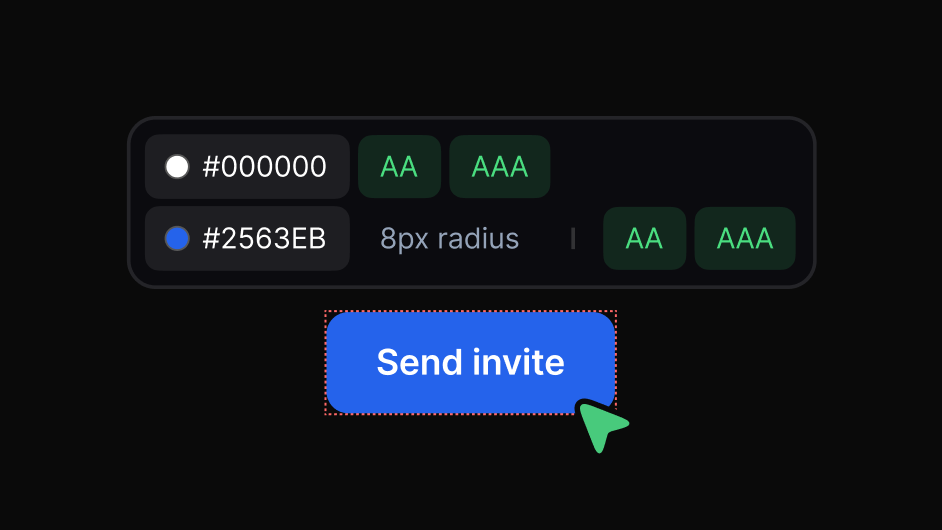
Exact values with AA and AAA results, so accessibility is part of the review.
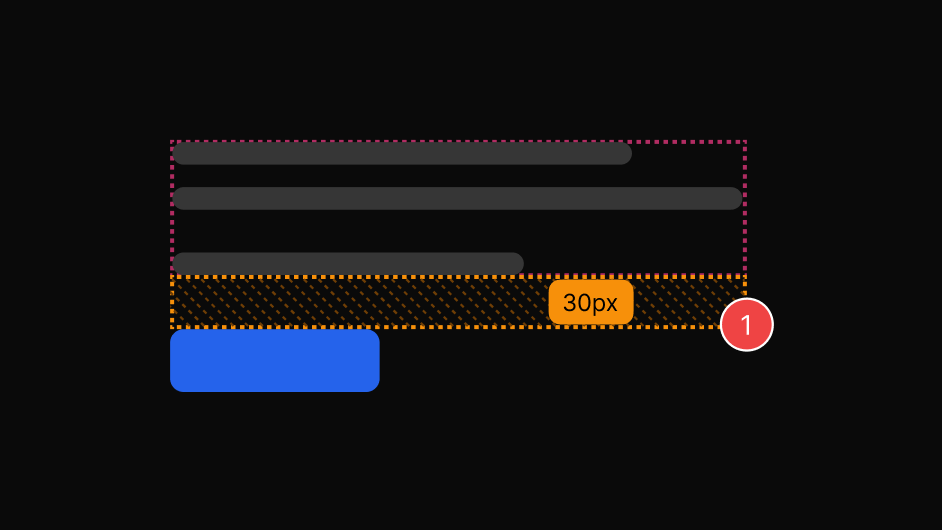
Real spacing values instead of an argument about whether it looks tight.
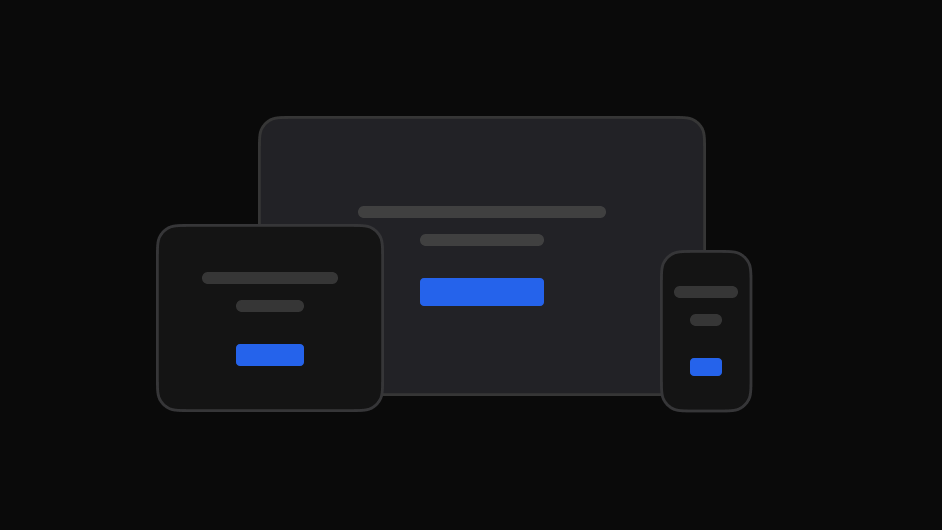
Give feedback at the breakpoint where the decision actually breaks down.
Review menus, tooltips and open states without them vanishing.
Design feedback loses most of its value when it is separated from what it refers to.
The same review, read the way each person needs it.

Check the built page against what was designed, spot visual differences, and flag what needs attention.

Get the element, the page and the intent instead of a cropped image.

Give clients one place to review, comment and follow progress.

File visual issues with the exact page and element attached.

Collect stakeholder feedback on the real experience before launch.
Both. The same comment can be a design decision or a defect; what matters is that it is attached to the element.
Yes. Load the design and overlay it on the built page, or view them side by side.
No. They review in the browser, on the real product.