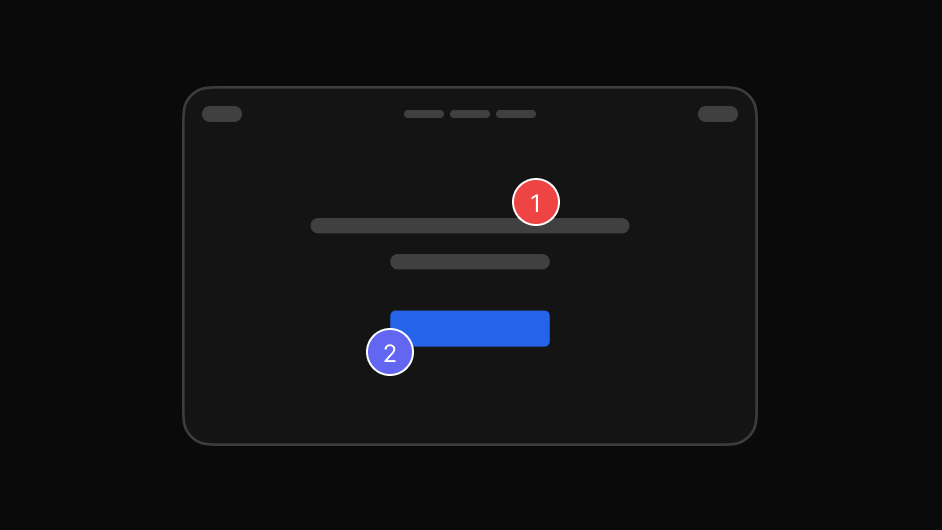
Live website commenting
Comment directly on the website where the issue actually appears.
Review websites directly where the issue happens, give precise visual feedback, collaborate with your team, and move issues to resolution without endless screenshots or feedback threads.
Works with live, staging, and local websites.
A screenshot gets shared. Someone replies in Slack. Someone asks which element you mean. Another screenshot follows.
The context disappears, and the same issue gets discussed again.
EasyQA keeps feedback connected to the exact part of the website where the issue happens.
Three steps, and none of them involve a screenshot.
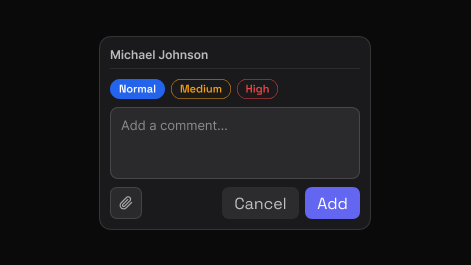
Point to the exact element and say what needs attention. EasyQA captures that element automatically, so the comment carries its own visual context.
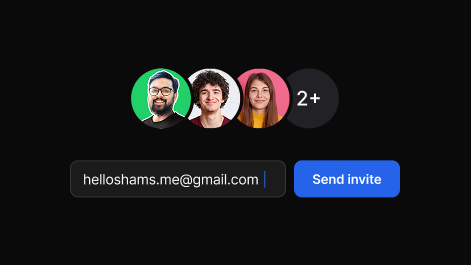
Share one report. Teammates and clients reply in the browser, in real time, with no account and nothing to install.
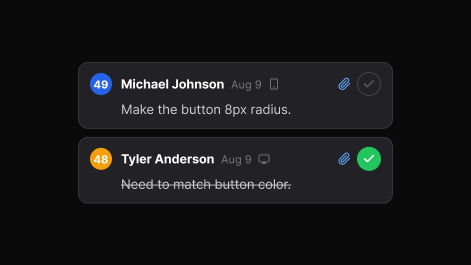
Set priority, assign, and track each item to resolved. The dashboard keeps every review, in folders you can search.
No exports, no reconstruction.
Comment directly on the website where the issue actually appears.
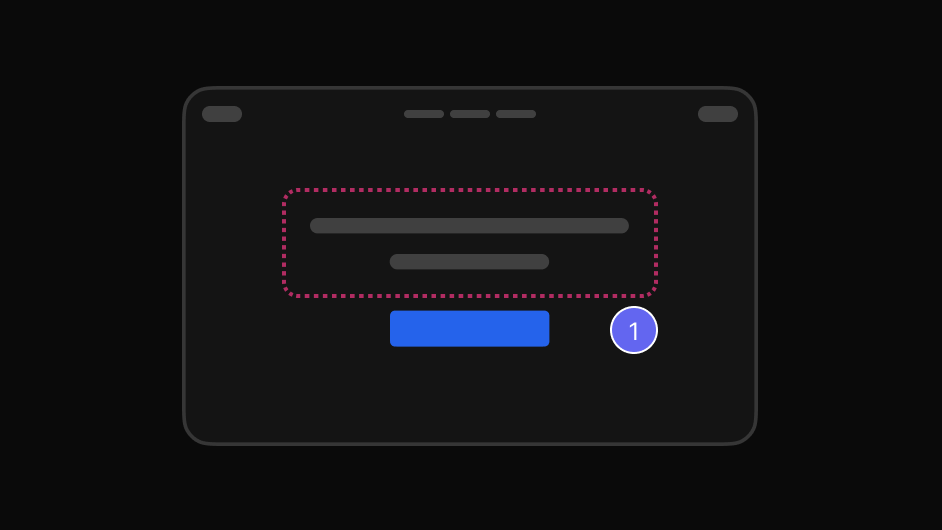
Point to exact elements and areas instead of explaining them through screenshots.
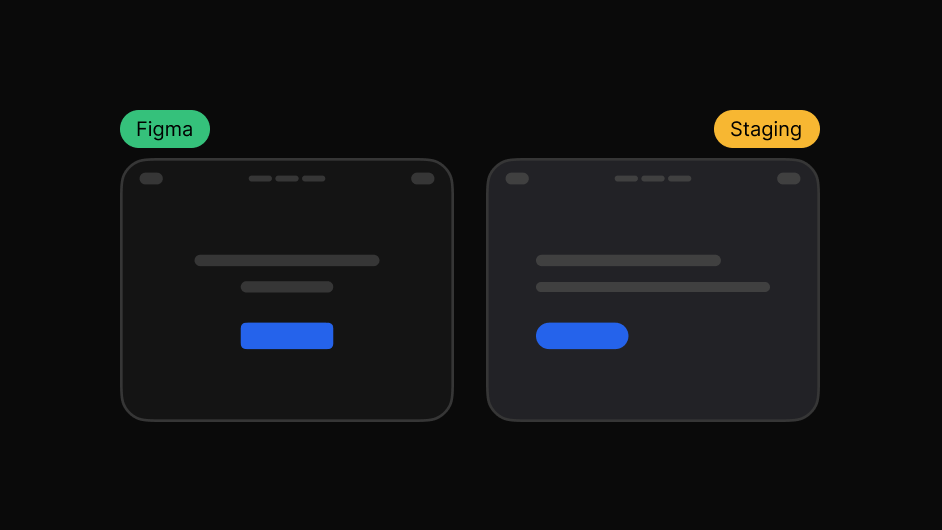
Compare the website with the intended design and catch visual differences.
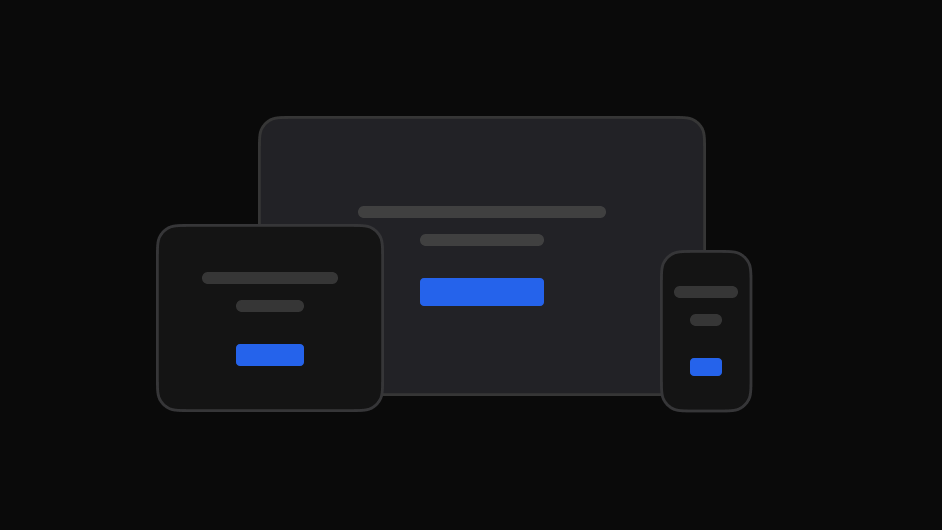
Check the website across different viewport sizes.
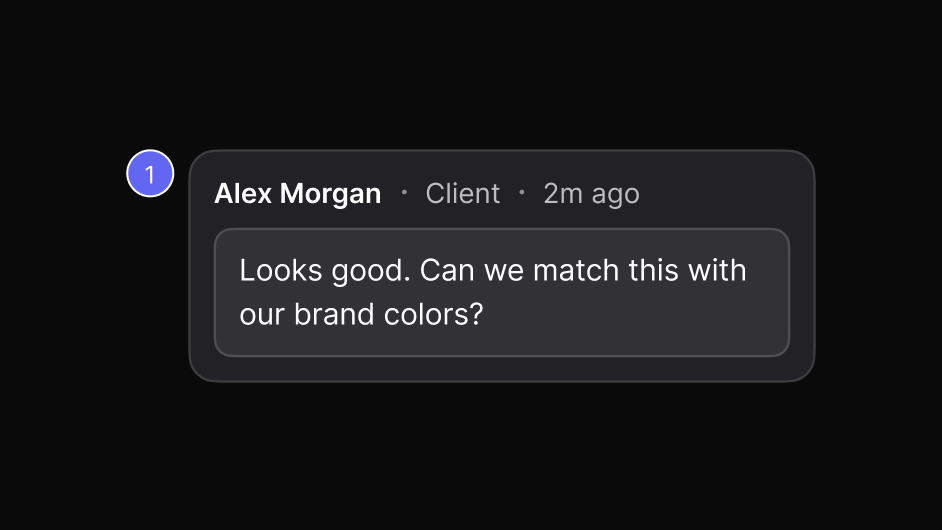
Let clients review and comment without complicated tools or installations.
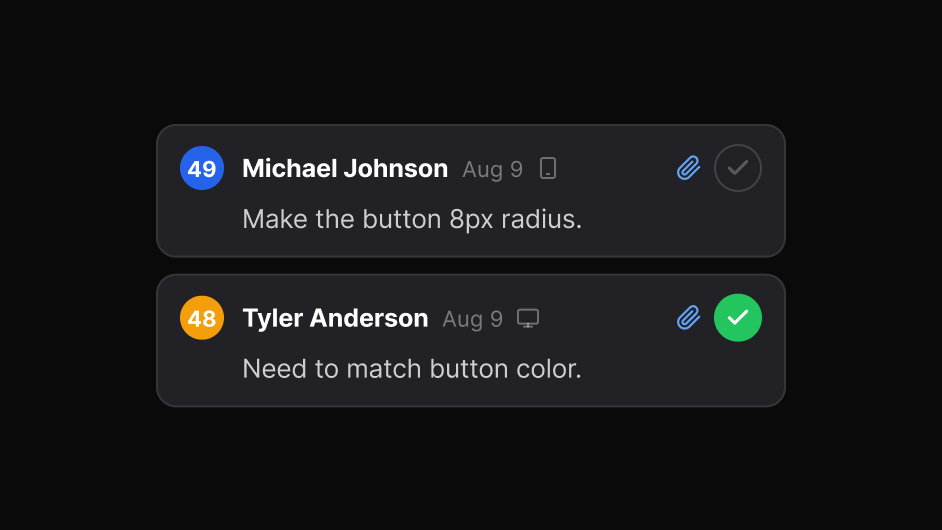
Keep feedback organized and track every issue from open to resolved.
EasyQA keeps website feedback, discussion, and resolution connected in one workflow.
The same website review, read the way each person needs it.

Review the built website against the design and catch visual differences faster.

Get the exact element, page, and visual context needed to fix website issues.

Give clients one place to review websites, comment, and follow progress.

Find and document website issues with precise visual context.

Review website changes and collect stakeholder feedback before launch.
Yes. EasyQA lets you review live websites directly in the browser.
Yes. You can review websites in staging and local environments as well.
Yes. Share a review and let clients provide feedback without needing the browser extension.
Yes. Use side-by-side comparison and overlay tools to compare the implementation with the intended design.
Yes. Use visual feedback, inspection, responsive testing, and issue tracking to find and resolve website issues.