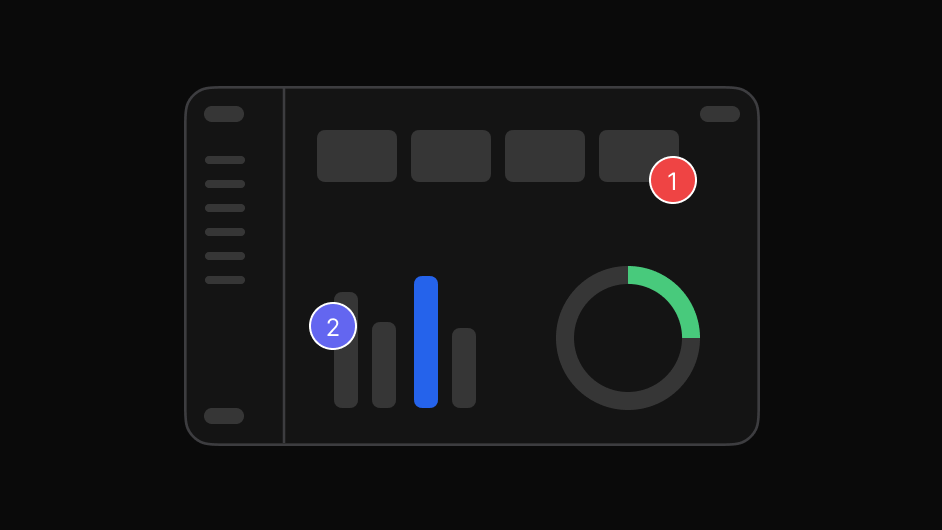
Product review
Review the actual SaaS experience instead of static screenshots.
Review your SaaS product in context, compare implementation with design, and give developers precise feedback without endless screenshots or scattered conversations.
Works with live, staging, development, and local environments.
New features, UI changes, releases, and fixes create a constant stream of feedback.
A screenshot goes into Slack. A designer explains the spacing. A developer asks which version is correct. A product manager wants to know whether the issue was fixed.
EasyQA keeps SaaS feedback connected to the product so everyone can see what needs attention and why.
Three steps, and none of them involve a screenshot.
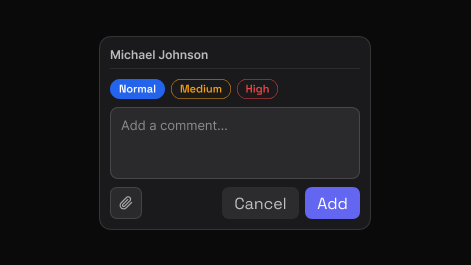
Point to the exact element and say what needs attention. EasyQA captures that element automatically, so the comment carries its own visual context.

Share one report. Teammates and clients reply in the browser, in real time, with no account and nothing to install.
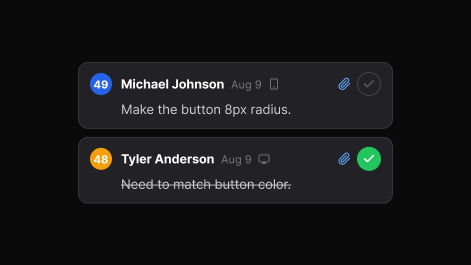
Set priority, assign, and track each item to resolved. The dashboard keeps every review, in folders you can search.
Attached to the product, not to a screenshot.
Review the actual SaaS experience instead of static screenshots.
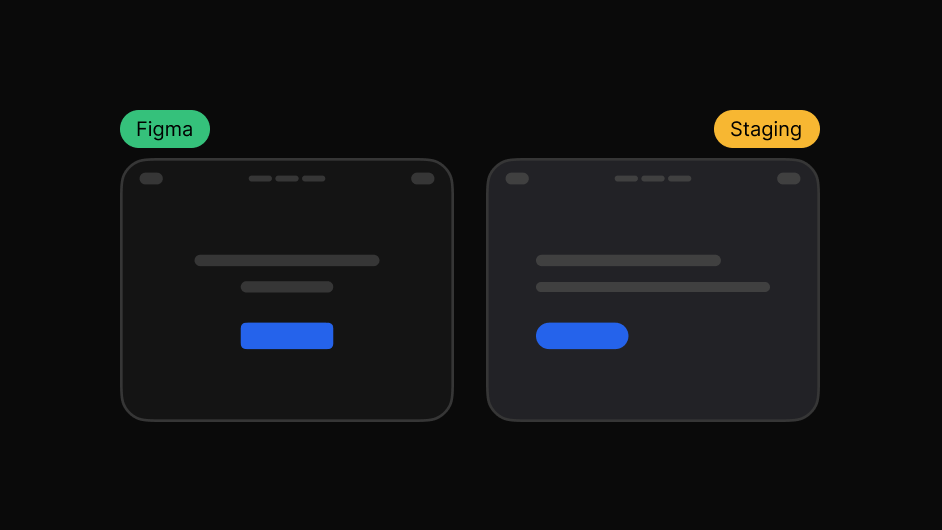
See how closely the product matches the original design.
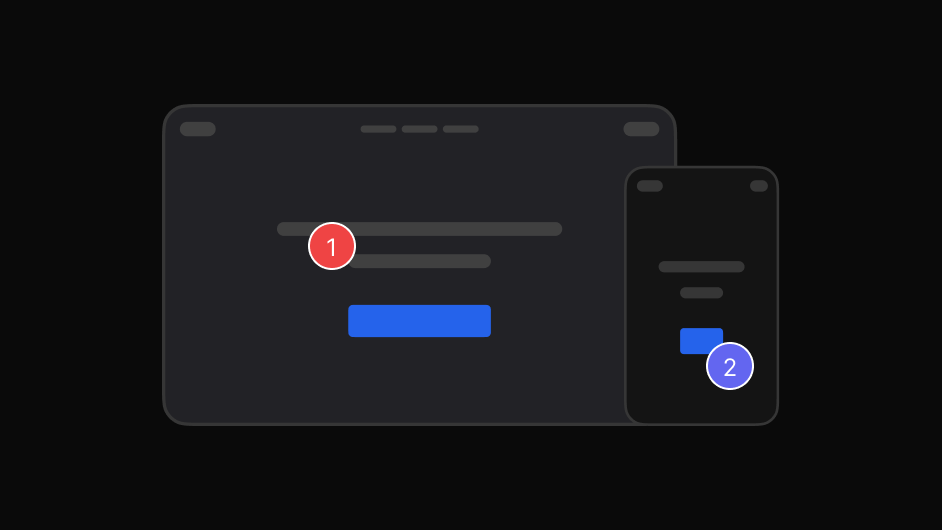
Catch spacing, layout, typography, colour, and responsive issues.
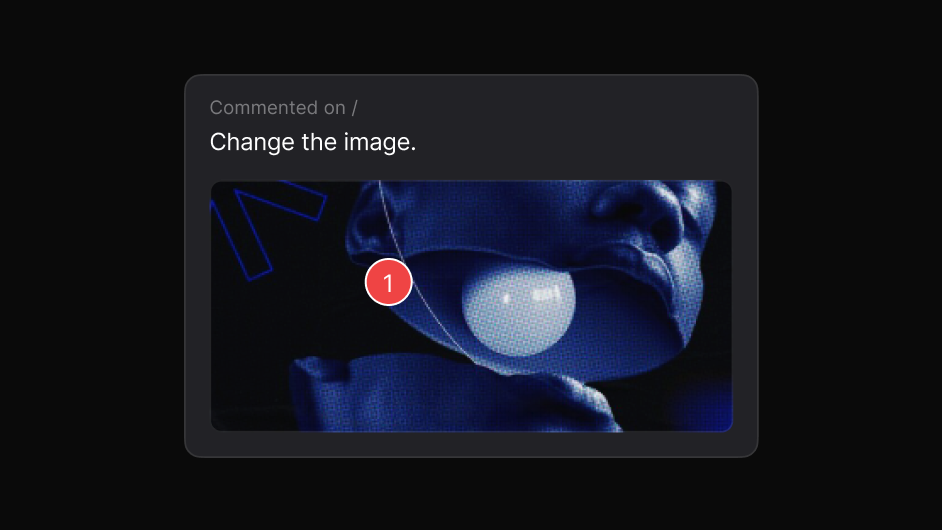
Keep every comment attached to the relevant page and element.
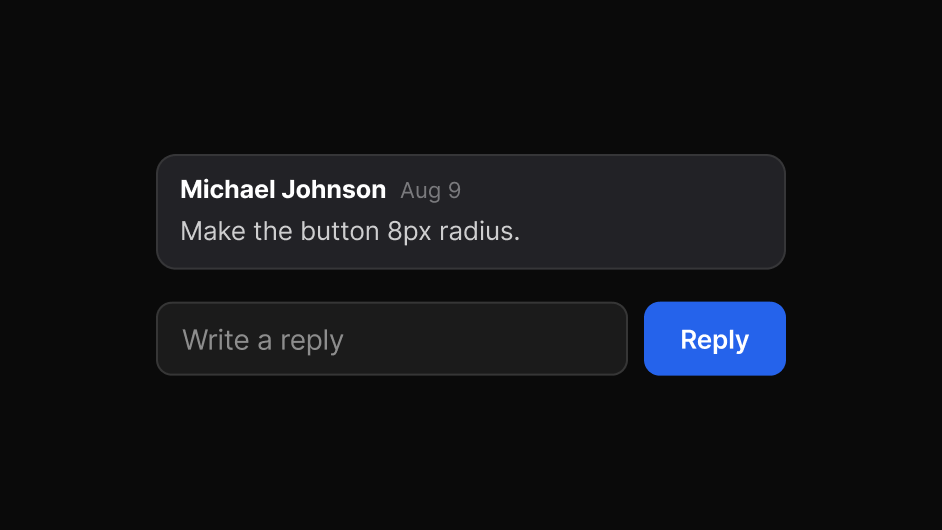
Discuss feedback directly with designers, developers, QA, and stakeholders.
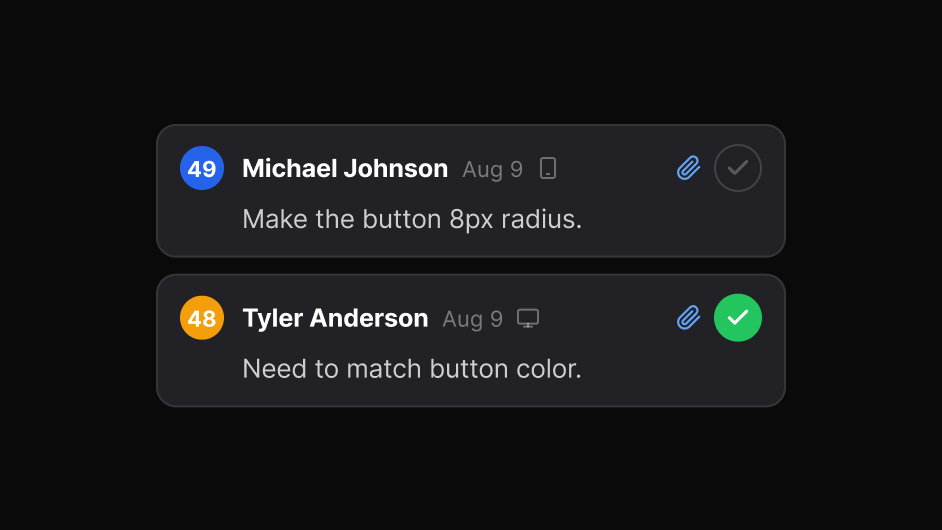
Know what is open, what needs attention, and what is done.
One workflow from the first comment to the finished fix, instead of feedback scattered across tools.
The same product review, read the way each person needs it.

Review product UI against the intended design.

Understand exactly what needs to change and where.

Review SaaS products with clients and stakeholders.

Find visual issues before they reach users.

Collect feedback on real product changes and releases.
Yes. Open the product in your browser and review the real experience, signed in exactly as your users are.
Yes. Staging, development and local builds all work, because the review runs in your own browser session.
Yes. Overlay the design on the built product or view them side by side at the same width.
Yes. Share a link and they comment in their own browser, with no extension and no account.
Yes. Inspect spacing, typography, colour and contrast, check responsive states, and track each finding to resolved.
Each comment carries the page, the element and the intent, so there is no reconstruction step before the fix.
Use the browser extension for those. It runs in your own signed-in session, so it reviews any product you can already open, including SSO logins, staging and localhost. A shared report link works for public sites and for a normal email and password login, but it cannot complete an SSO sign-in for the viewer.