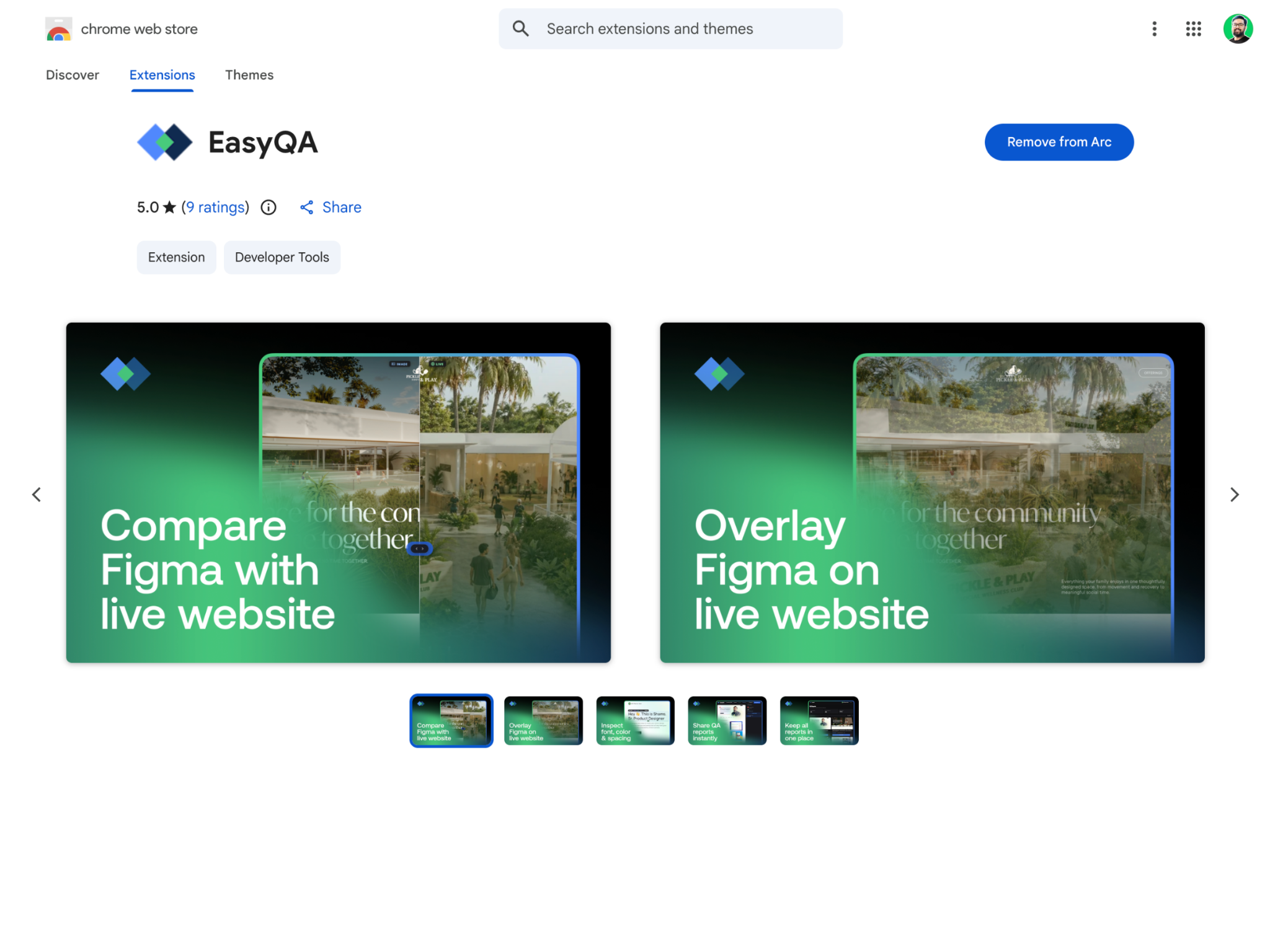
Chrome extension
For you and your team. Review any page you can open, including staging, local and pages behind a login.
Three ways in, depending on who is reviewing and what they already have installed.
No third-party accounts to connect. Nothing to configure before the first review.
Pick the one that matches the person doing the reviewing.
For you and your team. Review any page you can open, including staging, local and pages behind a login.
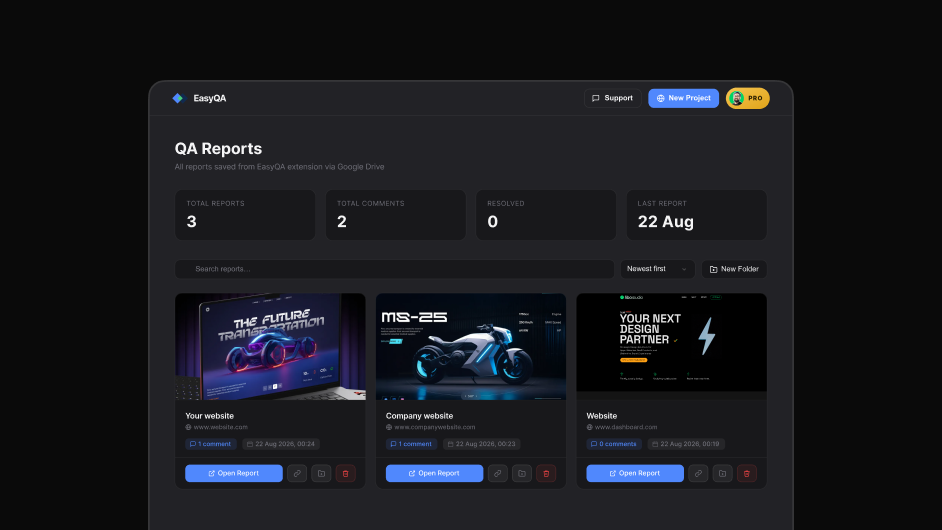
For clients and stakeholders. Paste a URL and share the link, and they comment with no extension and no account.
For your own site. Add EasyQA to a staging build so anyone visiting can leave feedback in place.
EasyQA is deliberately thin on storage. The reports are yours and stay in your own account.
The extension runs in your own browser session, so it works on live sites, staging, localhost and anything behind a login. The people you share reports with never need it.
There are no Jira, Slack, Figma or Trello integrations today. Rather than list logos that do nothing, this page says so plainly.
There is also no PDF export and no full-page screenshot capture. Comments capture the element they belong to, which is what makes them readable later.
If an integration matters to you, say so and it will go on the list.