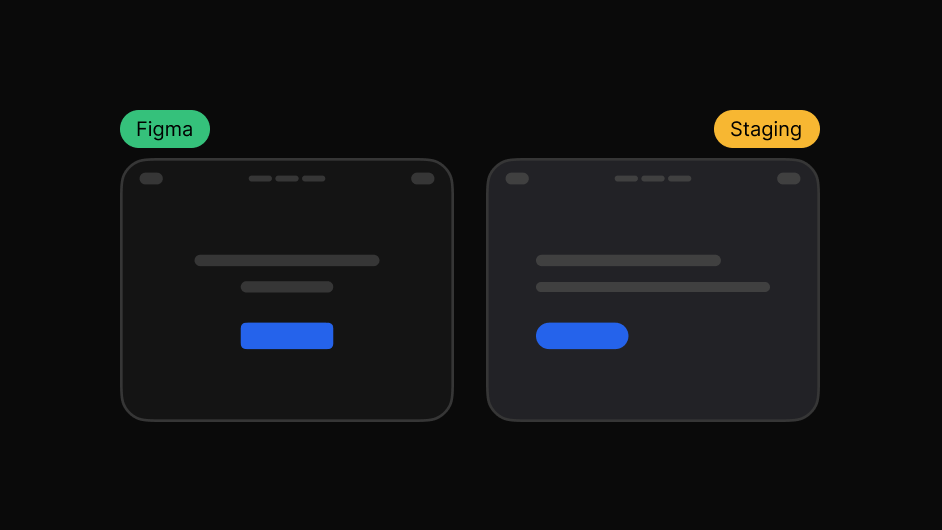
Design overlay
Fade between your design and the build to find what moved.
Check the built product against the design, spot visual differences, and flag what needs attention.
Works on live, staging and local sites. The people you share with need nothing.
Getting the build to match takes one more pass, and that pass is far easier with the design in front of you.
Three steps, and none of them involve a screenshot.
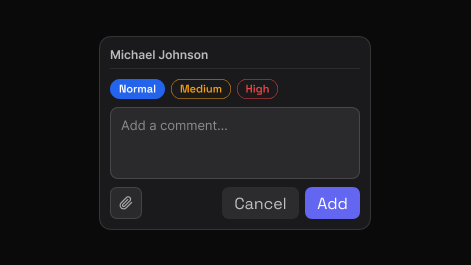
Point to the exact element and say what needs attention. EasyQA captures that element automatically, so the comment carries its own visual context.
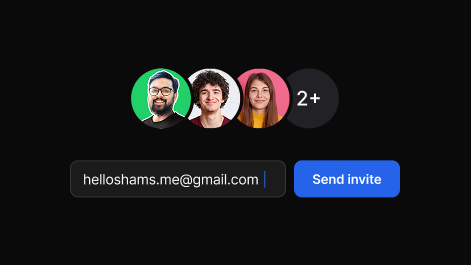
Share one report. Teammates and clients reply in the browser, in real time, with no account and nothing to install.
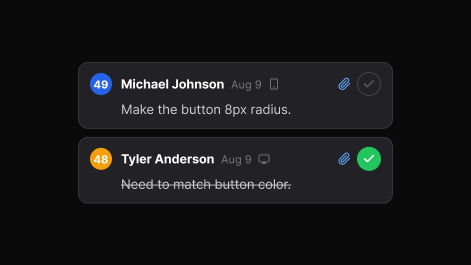
Set priority, assign, and track each item to resolved. The dashboard keeps every review, in folders you can search.
The ones that are hard to describe in words.
Fade between your design and the build to find what moved.
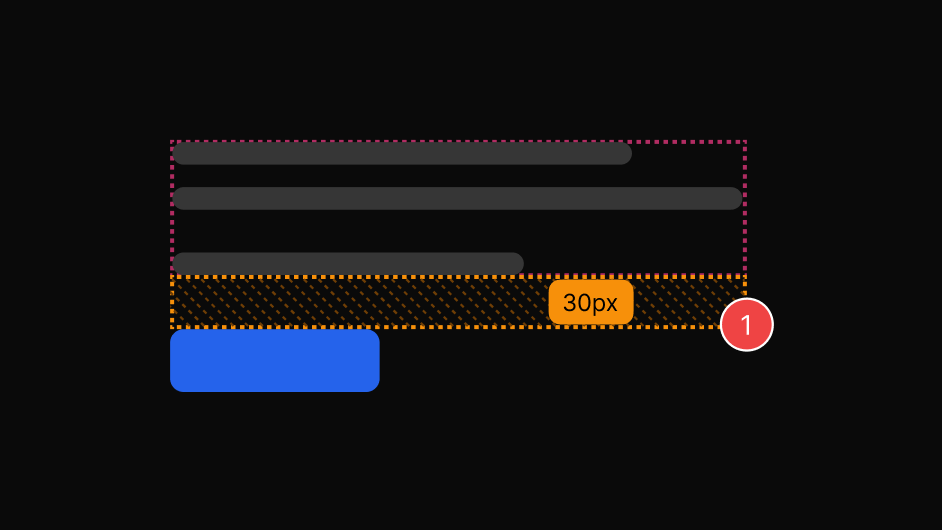
Padding, margin and gap in real pixels, on hover.
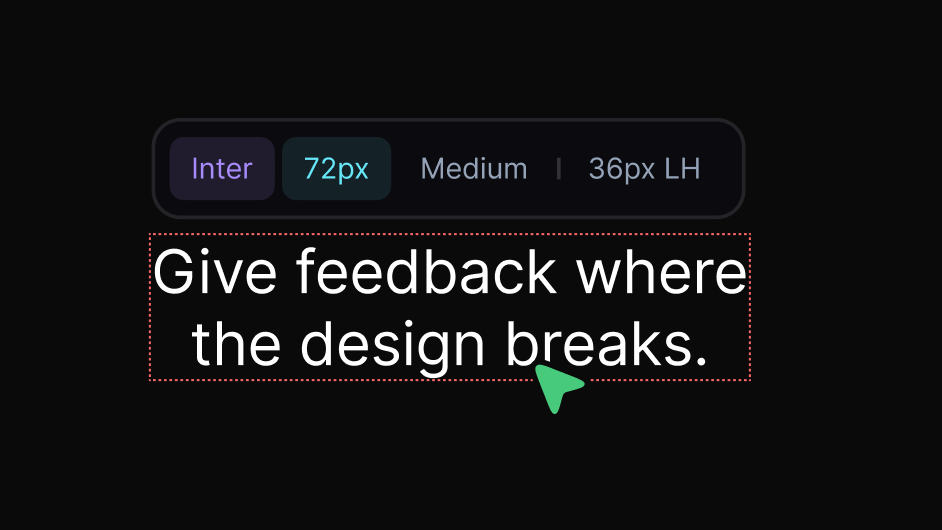
Family, size, weight, line height and letter spacing.
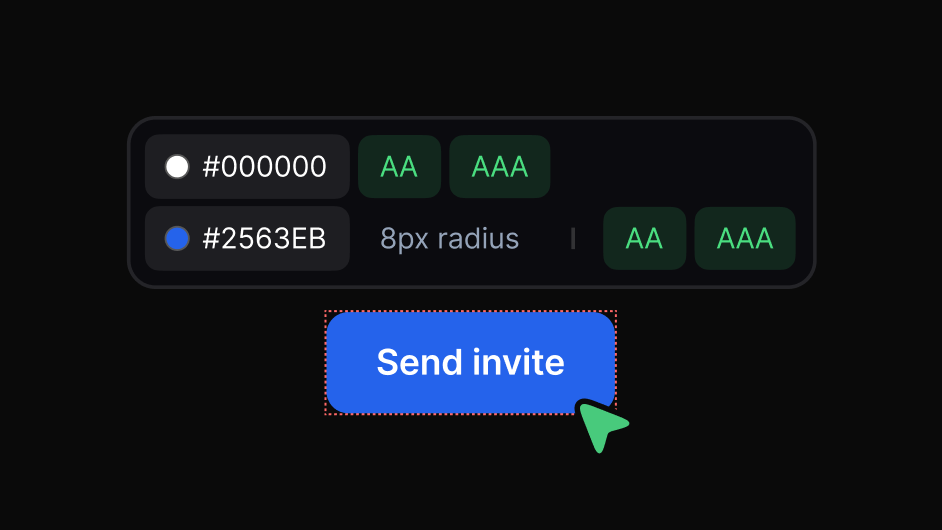
Exact hex with AA and AAA results.
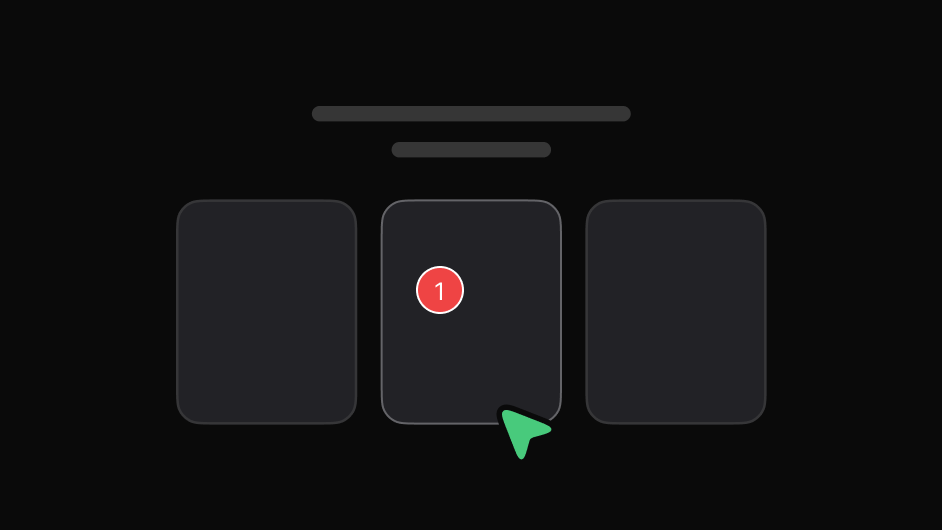
Review menus, dropdowns and tooltips without them closing.
Check the breakpoints you actually designed for.
No. Send them the report link and they can read and reply in any browser.
Yes. Any design image can be loaded and overlaid on the live page.