Review any site in your own browser. Free Chrome extension. Add to Chrome
Browser plugin

Review any product.
Right from your browser.

Inspect, compare, measure, and give feedback on live, staging, and local products without leaving your browser.

Free on every plan. The people you share reports with need nothing at all.

The problem

Stop switching between your browser and screenshots.

You find an issue, take a screenshot, open Slack, explain where it is, answer follow-up questions, and watch the context disappear.

By the time anyone acts on it, half the detail has been re-typed and the rest has been guessed at.

EasyQA keeps feedback attached to the website it came from.

Feedback given in the browser, on the page itself.
How it works

Six steps, start to resolved.

From spotting something to closing it.

  1. Open the website

    Open the website

    Live, staging, local, or anything behind a login. It runs in your own browser session.

  2. Launch EasyQA

    Click the toolbar icon. No project to configure and nothing to deploy first.

  3. Select and comment

    Select and comment

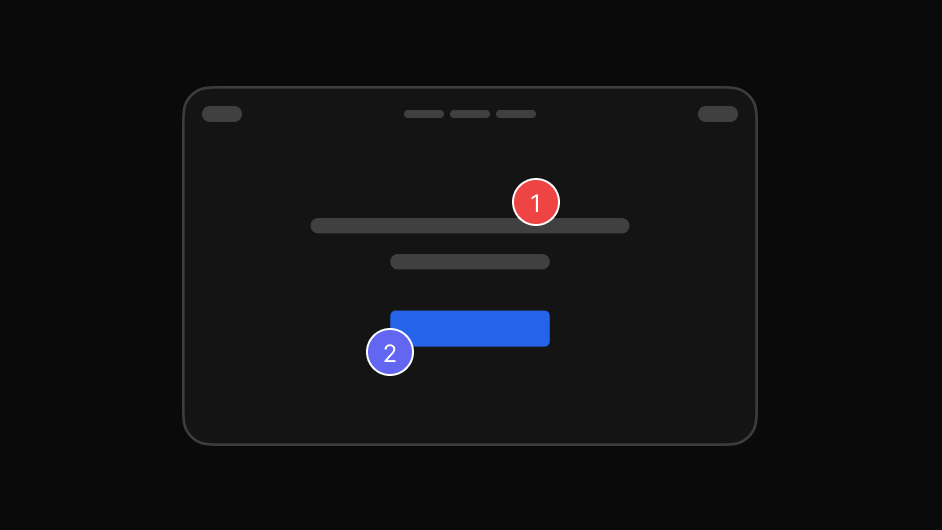
    Pick the exact element and write the feedback. The element is captured with it.

  4. Create the report

    Create the report

    Group the comments into one report, organised and prioritised.

  5. Share it

    Share it

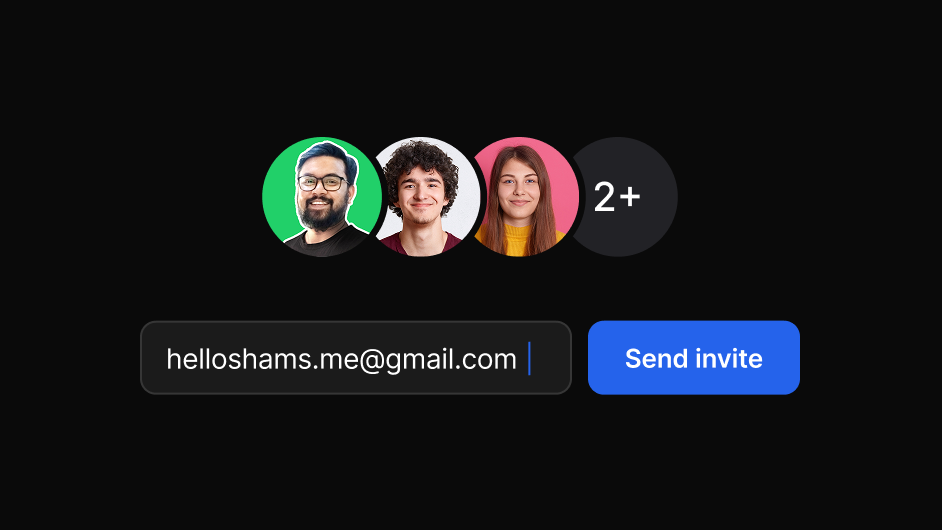
    Send one link to your team or client. They need no account and no install.

  6. Track to resolved

    Track to resolved

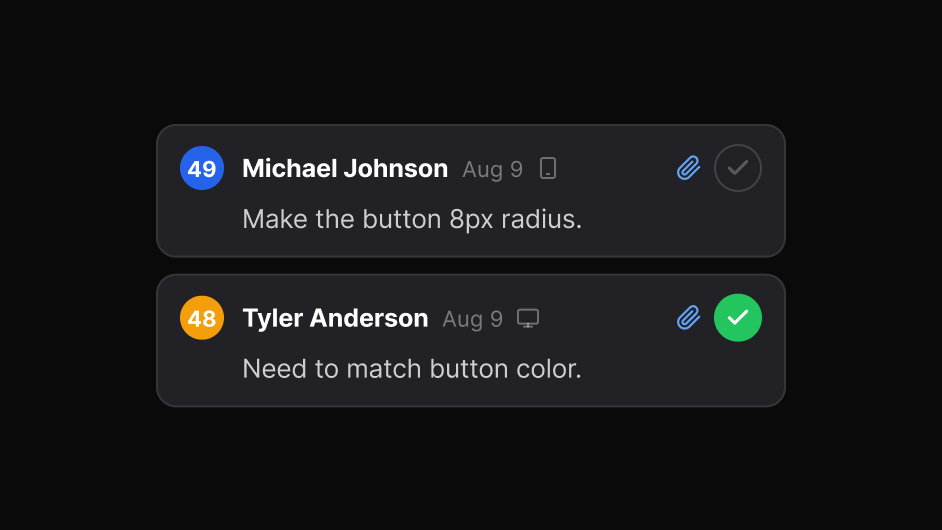
    Follow each issue through to closed, with the discussion kept alongside.
Benefits

What the plugin does.

It is the capture layer. The dashboard is where that feedback becomes work.

Benefits

See the design. Review the implementation.

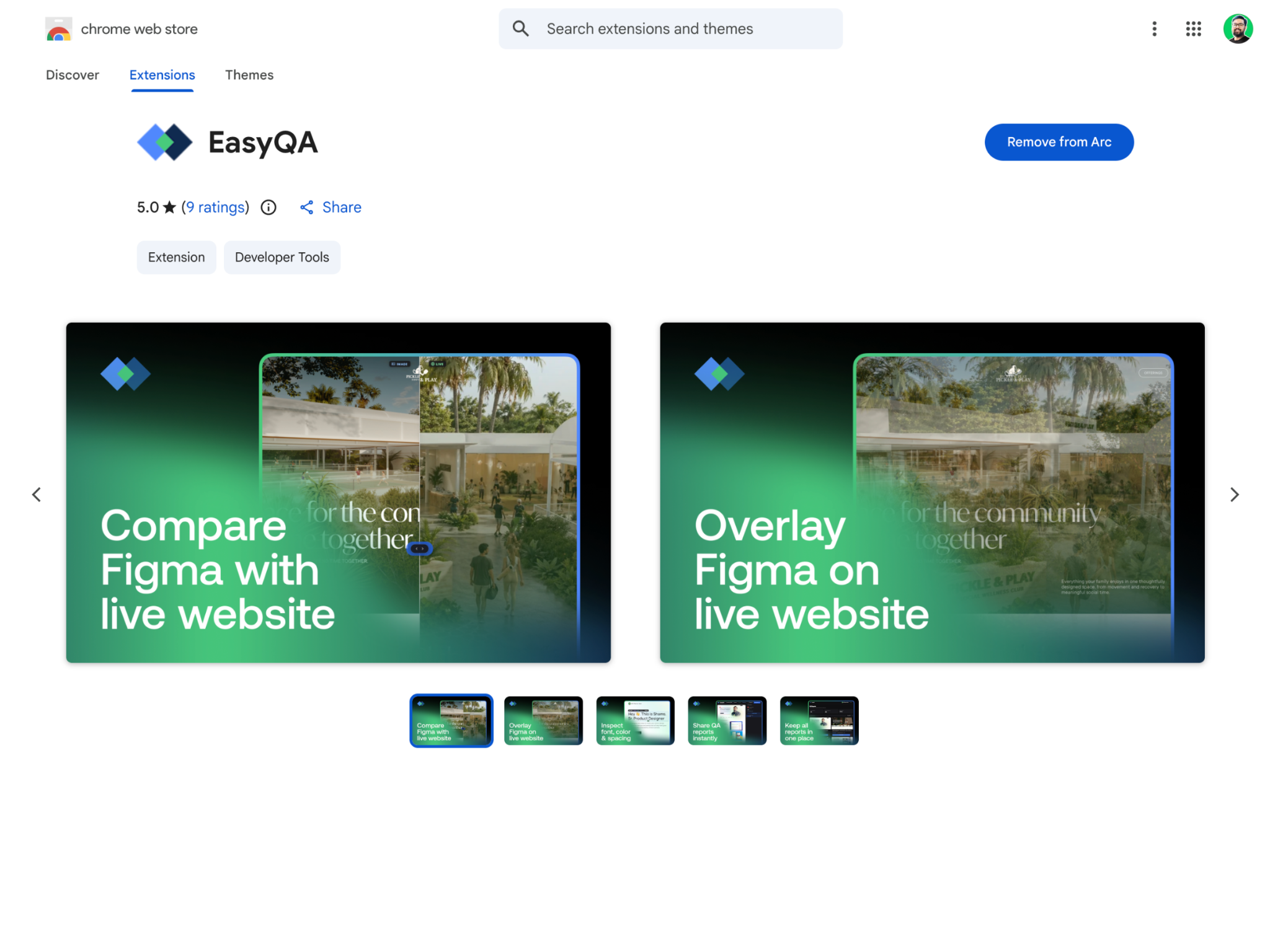
A design can look perfect in Figma and still change during development. Review the real website, spot the visual differences, and give feedback where the difference appears.

Chrome extension

Install once,
review anywhere.

The extension runs in your own browser session, so it works on live sites, staging, localhost and anything behind a login. The people you share reports with never need it.

Free on every plan. Works in Chrome and Chromium browsers including Edge, Brave and Arc.

FAQ

Questions

Which browsers does the plugin support?

Chrome and Chromium browsers, including Edge, Brave and Arc.

Do the people I share with need the plugin?

No. A report link opens in any modern browser, and they can reply and resolve without an account.

Does it work on staging or localhost?

Yes. It runs in your own browser session, so anything you can open, you can review.

Is the plugin the whole product?

No. The plugin captures feedback; the dashboard organises it, tracks it, and keeps every report searchable.

What does it cost?

Nothing. The plugin is free on every plan; Pro only removes the saved-report limit.