Free on every plan
Everything a review needs,
in one tool.
Comment on sites, photos and PDFs, compare with the design, measure, inspect, audit and resolve. Bring your team and clients into the same report, and keep every review in one dashboard.
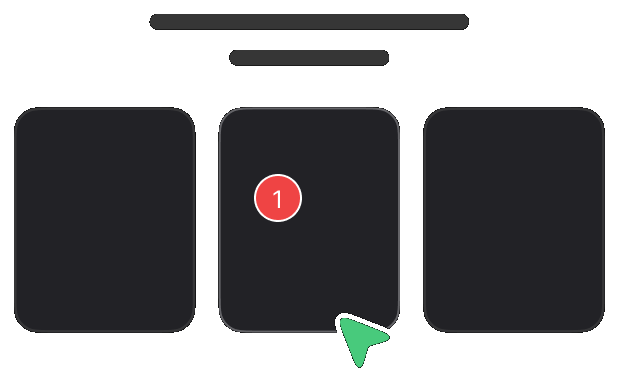
Pin comments
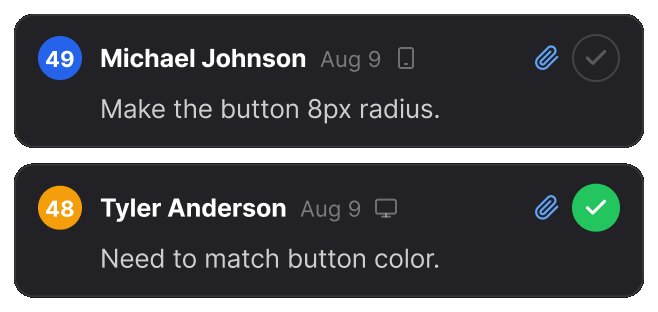
Click any element on the live page and write what needs attention. A numbered pin marks the exact spot.
Auto screenshots
Every comment captures its own screenshot, with a marker on the spot. Nothing to take by hand.
Freeze hover
Pause the page to review menus, tooltips and hover states before they disappear.
Compare and overlay
Put the design beside the live page, or over it, and see exactly what drifted.
Inspect and measure
Read fonts, colours and contrast, and measure padding and gaps, right on the element.
Page audit with a score
One click finds links that go nowhere, spelling mistakes and stray fonts, and scores the page out of 100. PDFs get a spelling and font audit too.
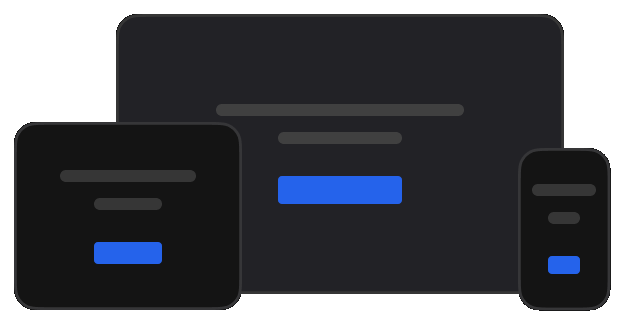
Device preview
Check the page at desktop, tablet and mobile sizes, or side by side in split view.
Photo and PDF reviews
Upload one photo or PDF, or many. Each file opens as a tab, with pins and replies. A PDF keeps its real text, so you can measure, select and check it.
Voice comments
Say it instead of typing it. Record up to five minutes on any comment or reply, with a transcript you can correct before posting.
Share with one link
Send one report link to teammates and clients. They review and reply with no account and nothing to install.
Real-time replies
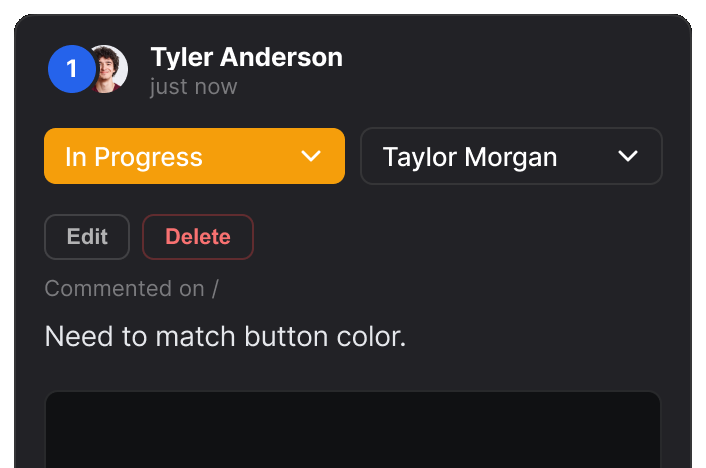
New comments, replies and status changes appear for everyone viewing the report, as they happen.
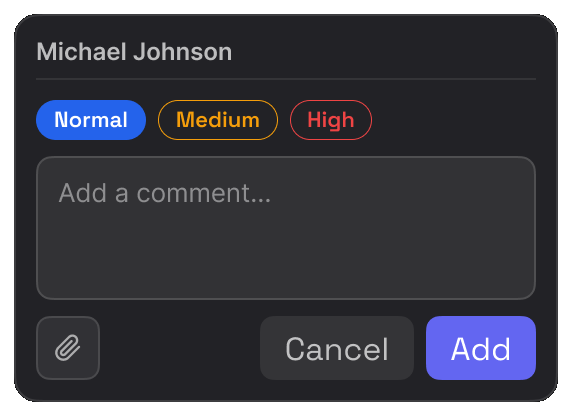
Status and assign
Set a priority, assign a teammate and track each item. Mark it resolved when the fix is in.