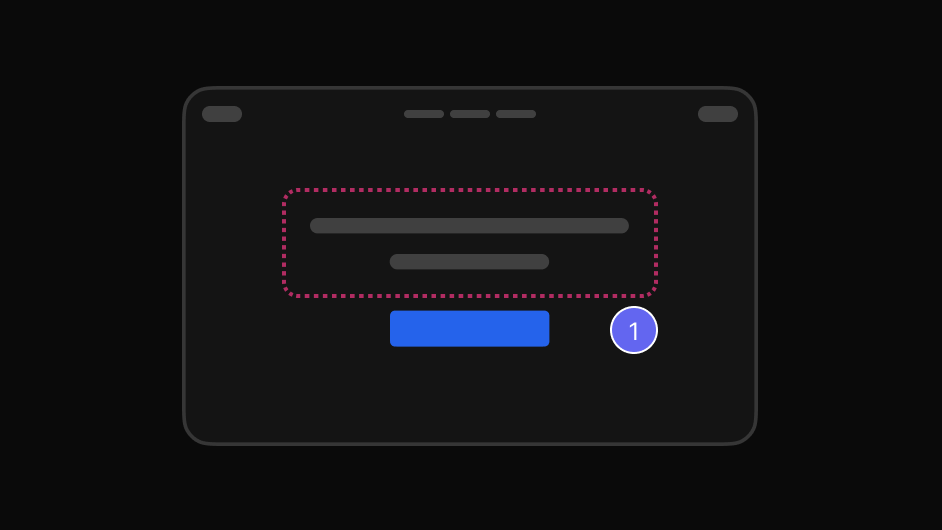
Point and area pins
Mark a single element or draw around a region when the issue is the whole block.
Point to the exact element, explain what needs attention, collaborate with your team, and resolve it — on websites, web apps, SaaS products, dashboards and any other browser-based digital product.
Works on live, staging and local sites. The people you share with need nothing.
Written feedback describes what someone saw. It rarely says where they saw it, at what width, or in which state.
So the reply is a question, the question needs another screenshot, and a five-second fix takes two days of messages.
Pointing is faster than describing. EasyQA lets the feedback point.
Three steps, and none of them involve a screenshot.
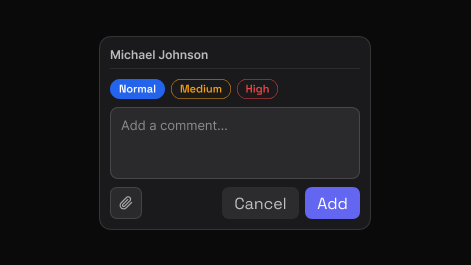
Point to the exact element and say what needs attention. EasyQA captures that element automatically, so the comment carries its own visual context.
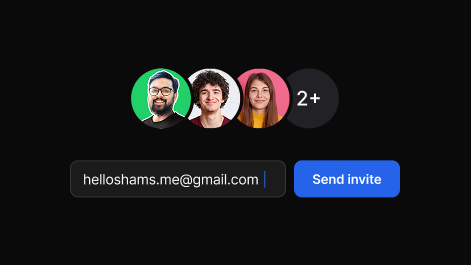
Share one report. Teammates and clients reply in the browser, in real time, with no account and nothing to install.
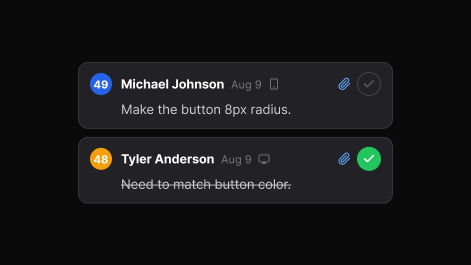
Set priority, assign, and track each item to resolved. The dashboard keeps every review, in folders you can search.
Every comment carries the thing it is about.
Mark a single element or draw around a region when the issue is the whole block.
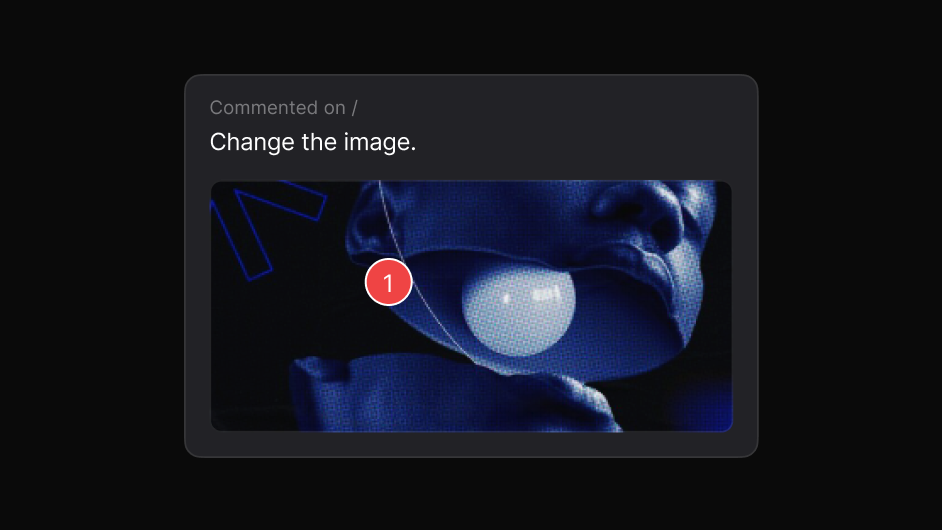
The element is captured with the comment, so context survives the handoff.
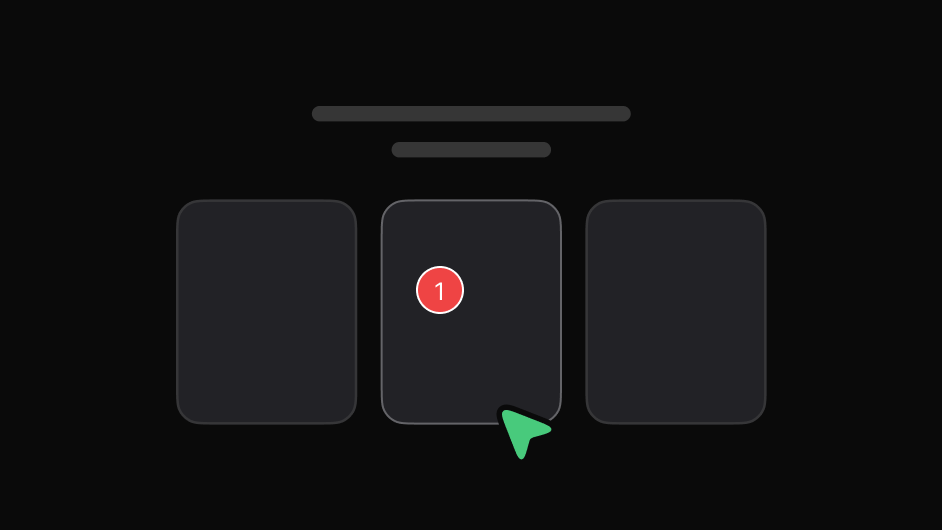
Hold a dropdown or tooltip open and comment on states that vanish on mouse-out.
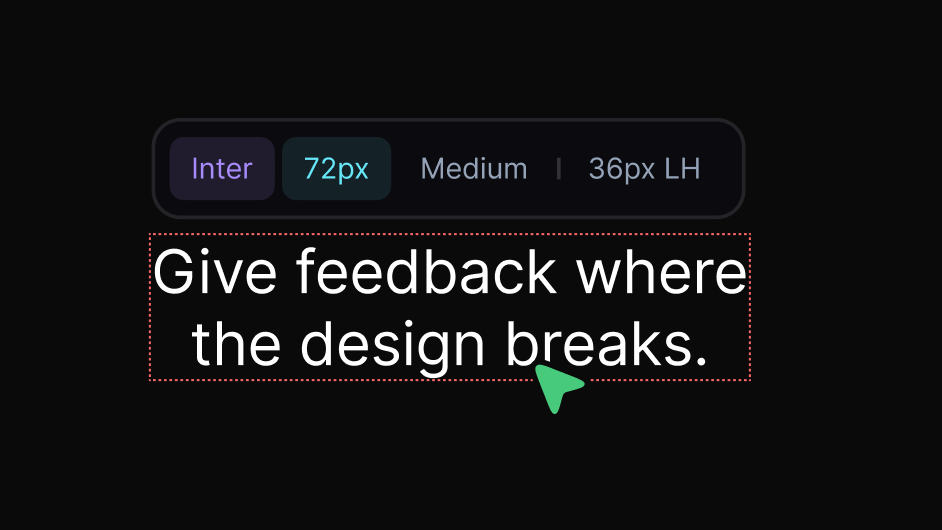
Read font, size, weight, line height, colour and contrast without leaving the page.
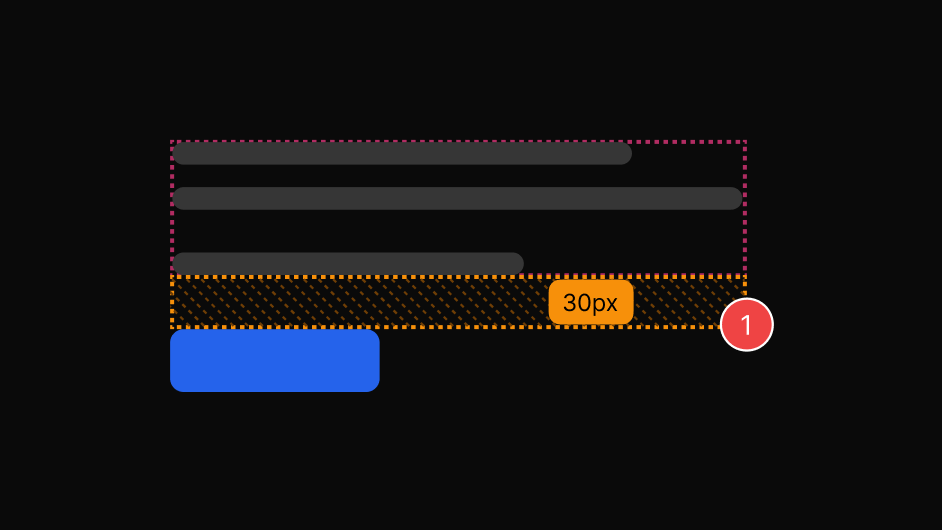
Ruler and guides for padding, margin and gaps, in real pixels.
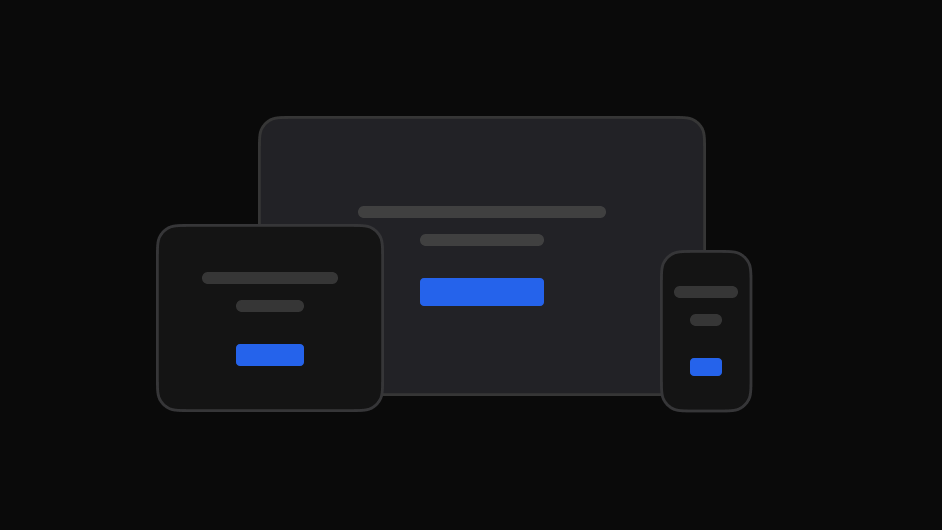
Check 1920, 1512, 1440 or a custom width and comment at the size it breaks.
The value of visual feedback is that nothing has to be re-explained.
The same review, read the way each person needs it.

Check the built page against what was designed, spot visual differences, and flag what needs attention.

Get the element, the page and the intent instead of a cropped image.

Give clients one place to review, comment and follow progress.

File visual issues with the exact page and element attached.

Collect stakeholder feedback on the real experience before launch.
Yes. The hover freezes automatically as soon as you start a comment, so the menu or tooltip stays open while you write.
It captures the element you commented on, which is what makes the comment readable later.
Yes, and the reports follow the viewer's own light or dark setting.