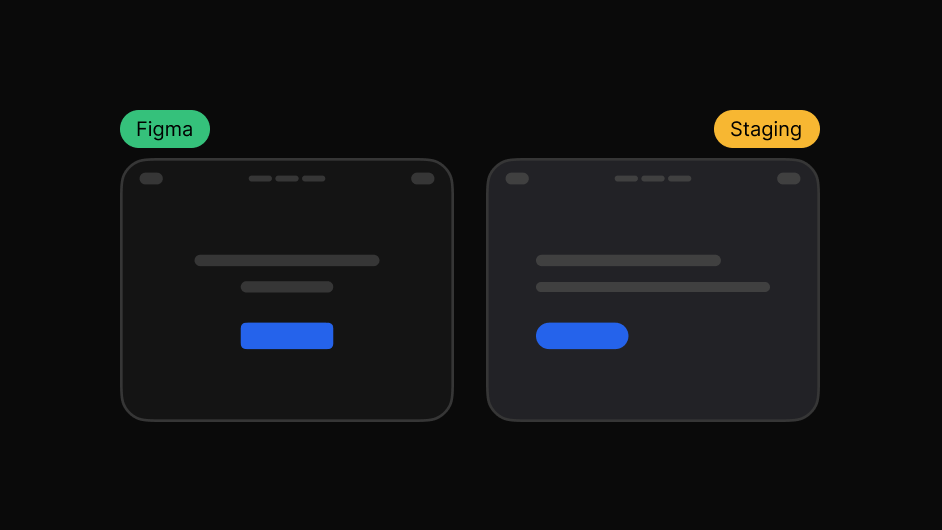
Side-by-side
Design and live page next to each other at the same width.
Compare the intended design with the real implementation and catch visual differences before they become rework.
Works on live, staging and local sites. The people you share with need nothing.
Spacing rounds off. A weight lands one step heavier. A radius is close but not the same. Individually invisible, together obvious.
Finding that by eye, across a whole site, is exactly the work nobody has time for.
So measure it instead of squinting at it.
Three steps, and none of them involve a screenshot.
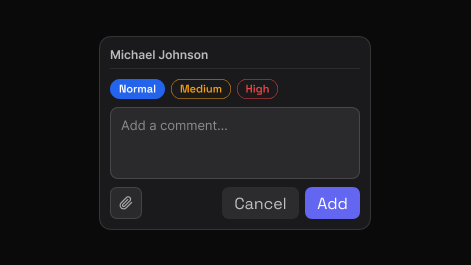
Point to the exact element and say what needs attention. EasyQA captures that element automatically, so the comment carries its own visual context.
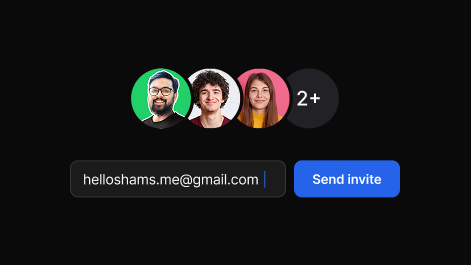
Share one report. Teammates and clients reply in the browser, in real time, with no account and nothing to install.
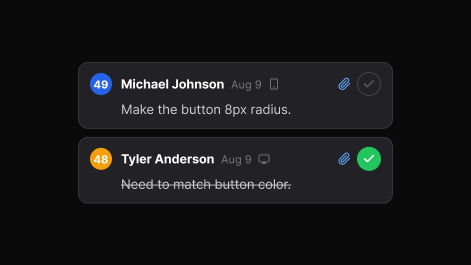
Set priority, assign, and track each item to resolved. The dashboard keeps every review, in folders you can search.
Every difference, in numbers.
Design and live page next to each other at the same width.
Lay the design over the build and fade between the two.
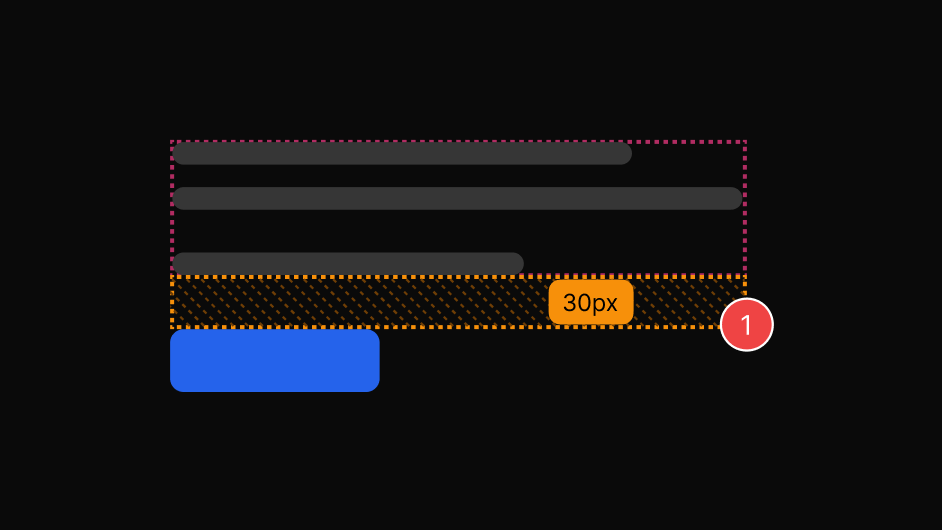
Real padding, margin and gap values, straight off the page.
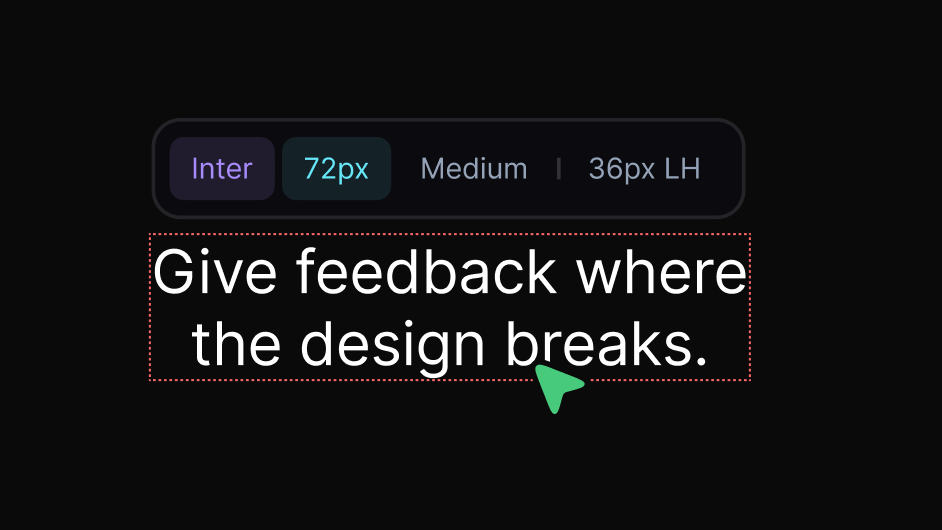
Font, size, weight, line height and letter spacing on hover.
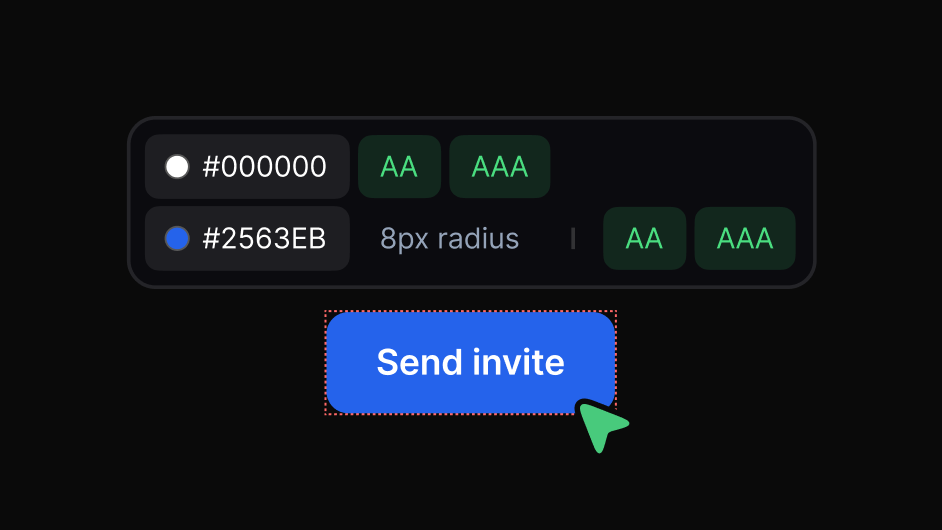
Exact hex for text and background, with the contrast ratio.
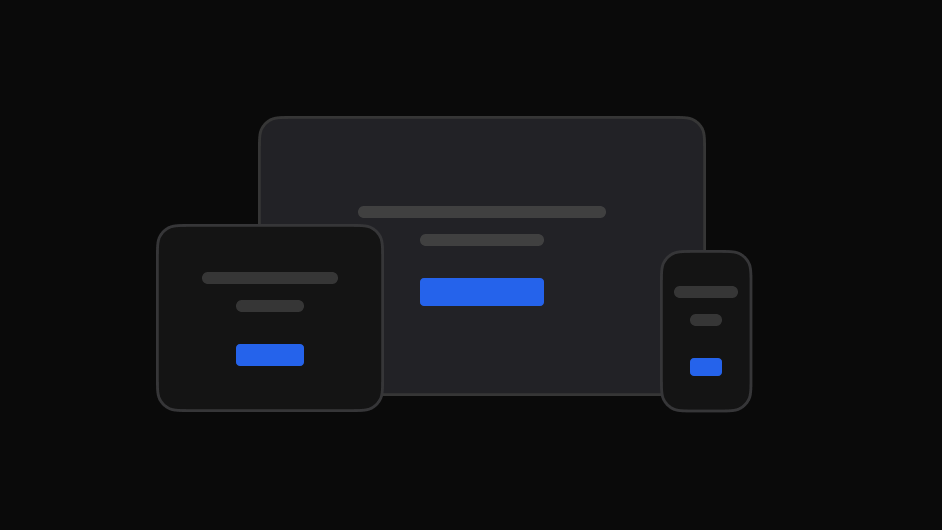
Check the breakpoints the design was drawn for.
Not an impression. A specific, located, checkable list.
The same review, read the way each person needs it.

Check the built page against what was designed, spot visual differences, and flag what needs attention.

Get the element, the page and the intent instead of a cropped image.

Give clients one place to review, comment and follow progress.

File visual issues with the exact page and element attached.

Collect stakeholder feedback on the real experience before launch.
Yes. Load the design, lay it over the live page, and adjust opacity to find the drift.
Yes. Hovering an element shows its colours with AA and AAA pass or fail.
Yes, at 1920, 1512, 1440 or any custom width you set.