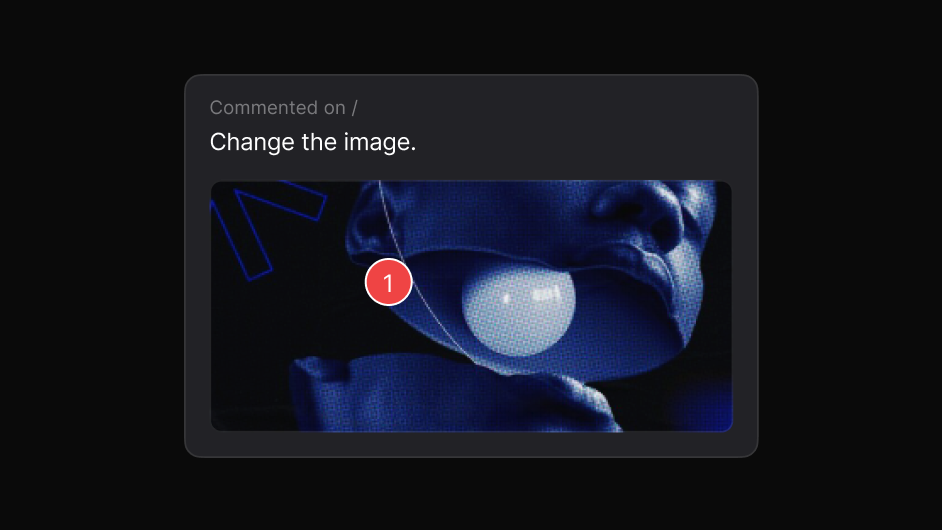
Element attached
The exact element is captured with the report, automatically.
Review the real product, capture precise visual issues, and move them from discovery to resolution.
Works on live, staging and local sites. The people you share with need nothing.
A ticket says the spacing looks wrong. It does not say which element, at which width, in which state, or by how much.
The developer cannot reproduce it, closes it as works-for-me, and it ships anyway.
A visual bug report should carry its own evidence.
Three steps, and none of them involve a screenshot.
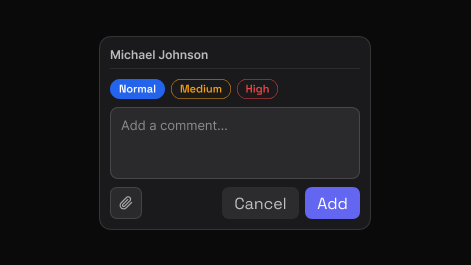
Point to the exact element and say what needs attention. EasyQA captures that element automatically, so the comment carries its own visual context.
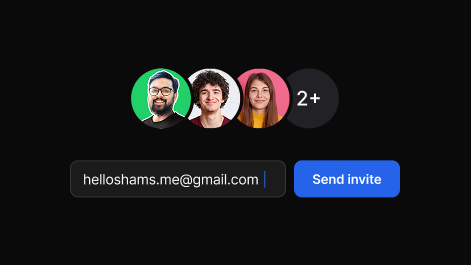
Share one report. Teammates and clients reply in the browser, in real time, with no account and nothing to install.
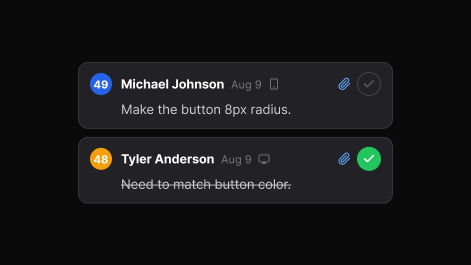
Set priority, assign, and track each item to resolved. The dashboard keeps every review, in folders you can search.
Everything attached, nothing to reconstruct.
The exact element is captured with the report, automatically.
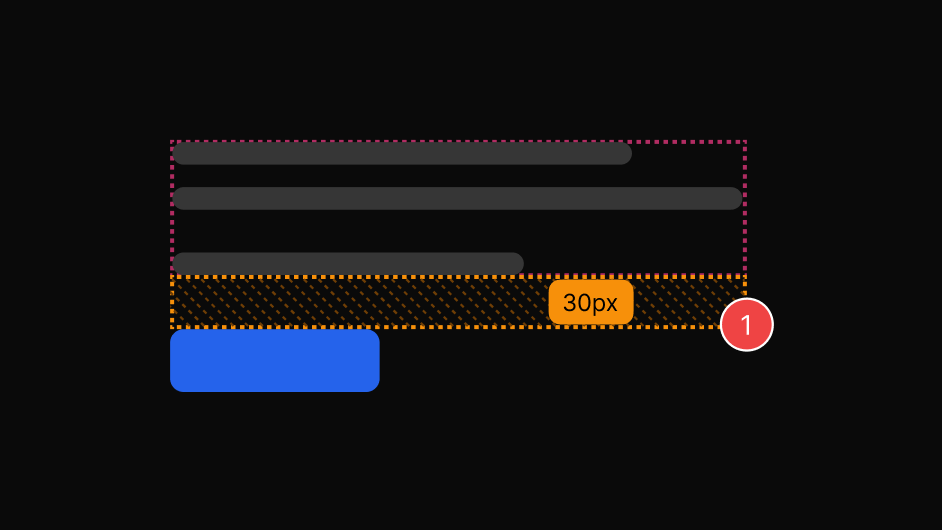
Padding, margin, gap and size in real values, not guesses.
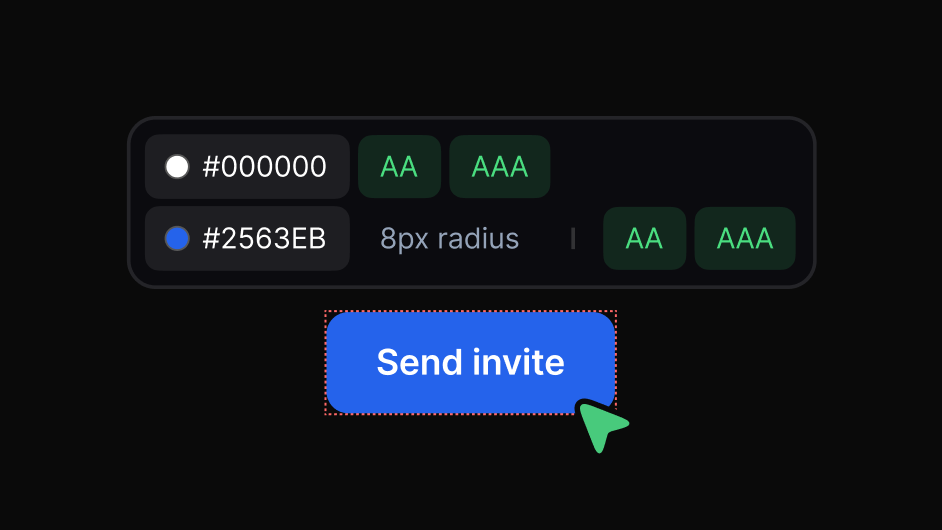
AA and AAA results on the spot, so accessibility issues get filed as facts.
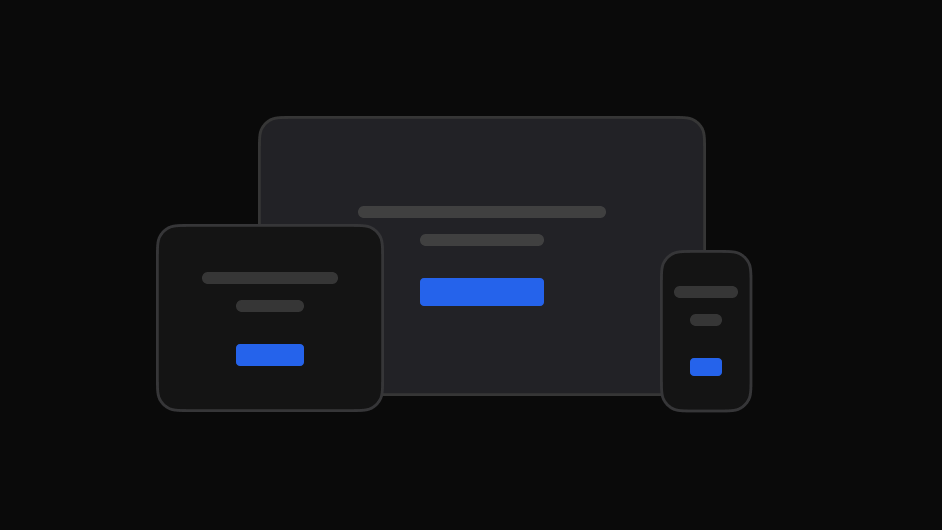
The viewport the issue appears at is part of the report.
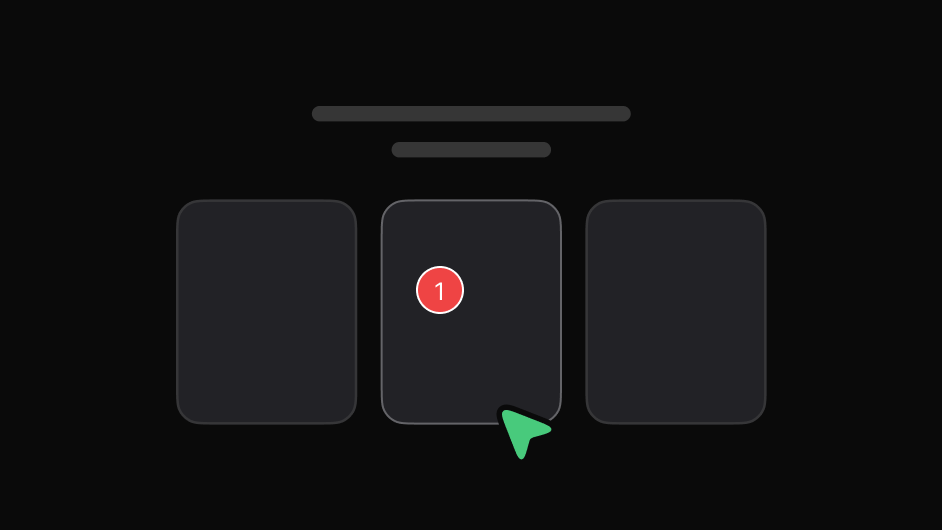
Freeze a menu open and file the bug that only exists on hover.
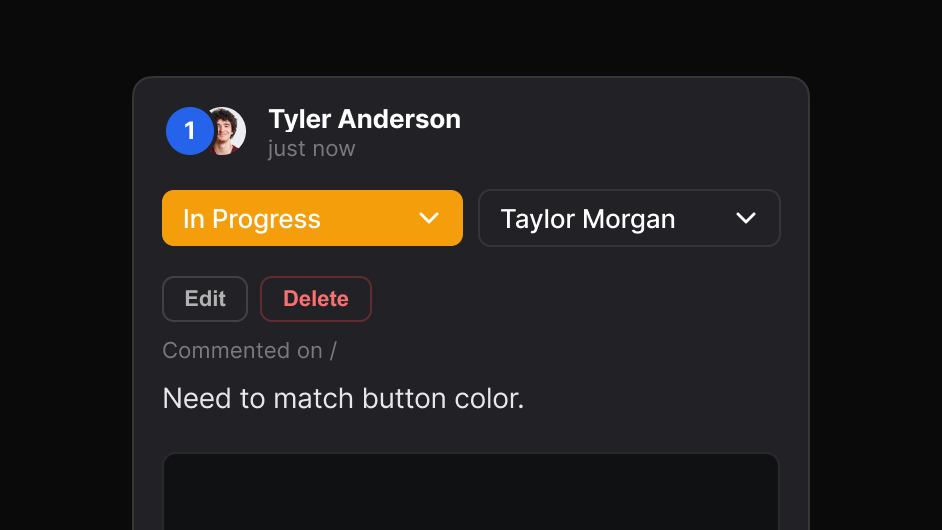
Blockers separated from polish before anyone starts triage.
A pre-launch pass with EasyQA leaves a list that is already triaged and already reproducible.
The same review, read the way each person needs it.

Check the built page against what was designed, spot visual differences, and flag what needs attention.

Get the element, the page and the intent instead of a cropped image.

Give clients one place to review, comment and follow progress.

File visual issues with the exact page and element attached.

Collect stakeholder feedback on the real experience before launch.
No. EasyQA is for what a page looks like and how it is laid out, not for test automation.
Yes, in real time, without an account.
Yes. The extension works on staging, local and password-protected pages you can open yourself.