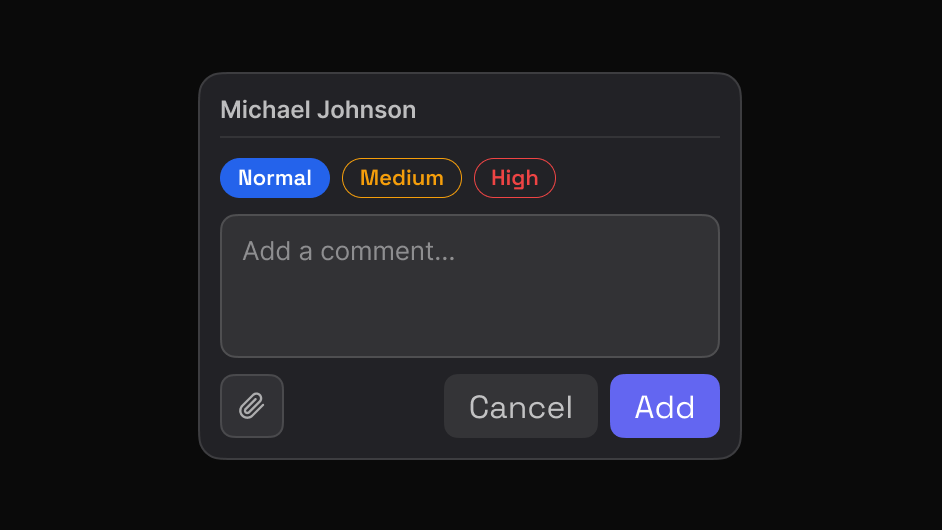
No reproduction hunt
Element, page and width are already in the report.
Get the element, page, and intent instead of trying to understand a cropped screenshot.
Works on live, staging and local sites. The people you share with need nothing.
The information you would otherwise have to ask for is captured when the comment is written.
Three steps, and none of them involve a screenshot.
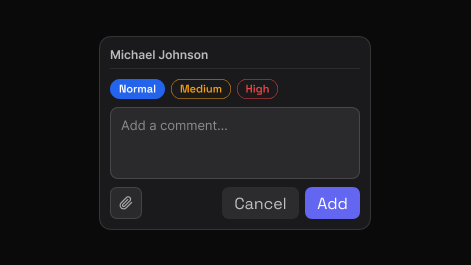
Point to the exact element and say what needs attention. EasyQA captures that element automatically, so the comment carries its own visual context.
Share one report. Teammates and clients reply in the browser, in real time, with no account and nothing to install.
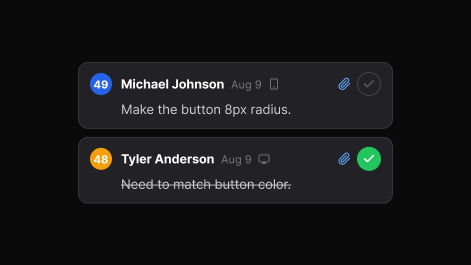
Set priority, assign, and track each item to resolved. The dashboard keeps every review, in folders you can search.
The context comes with the ticket.
Element, page and width are already in the report.
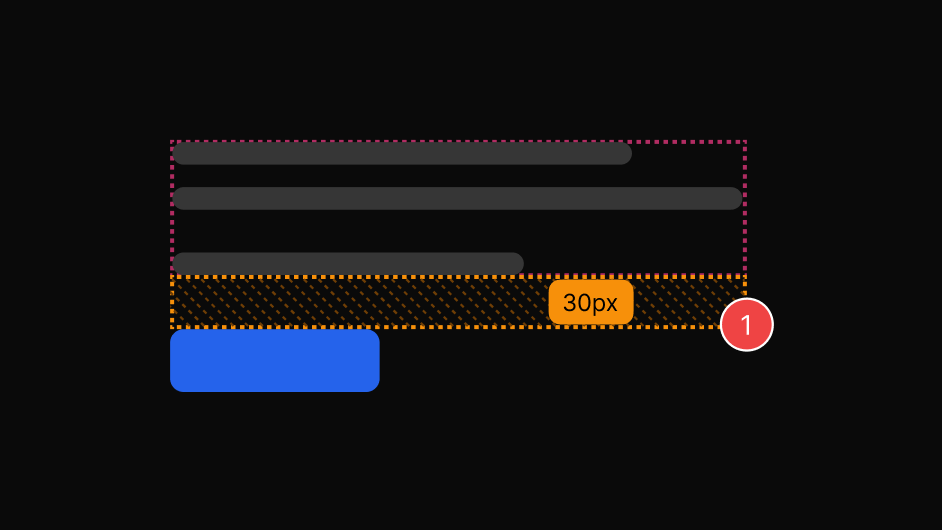
Spacing values come from the page, not from someone's eye.
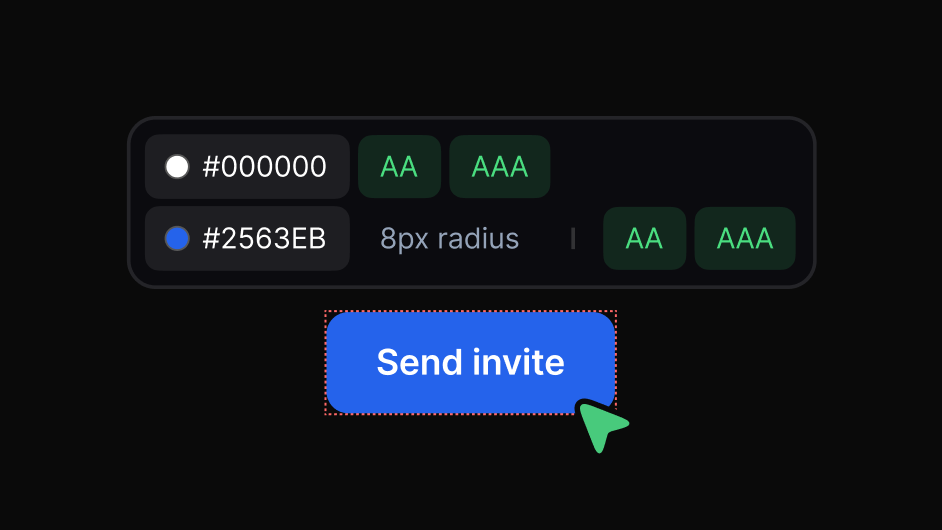
Accessibility issues arrive as pass or fail, not opinion.
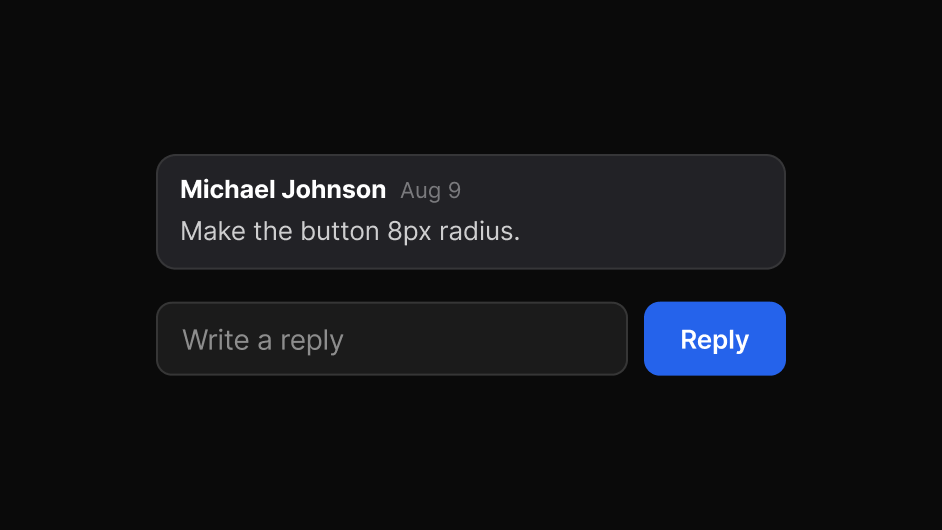
Ask a question on the item itself and get an answer there.
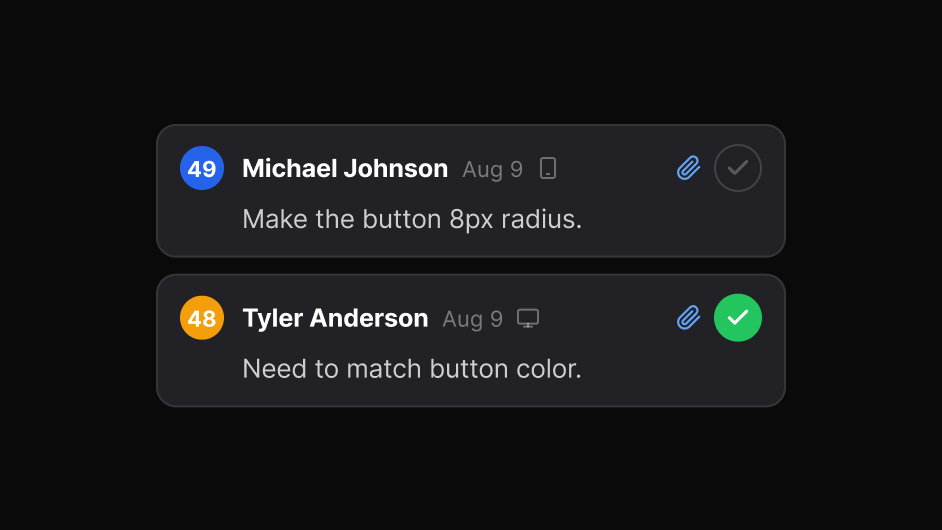
Close it once and everyone can see it is closed.
Clients and stakeholders reply without you provisioning anything.
No. A report link opens in any browser.
Yes. The extension runs in your browser, so local and staging pages work.