One link per round
Send it to whoever needs to look. No install, no account.
Collect stakeholder feedback on the real product and keep everyone aligned before launch.
Works on live, staging and local sites. The people you share with need nothing.
Stakeholders give better feedback on the thing itself than on a deck about the thing, and the feedback arrives already located.
Three steps, and none of them involve a screenshot.
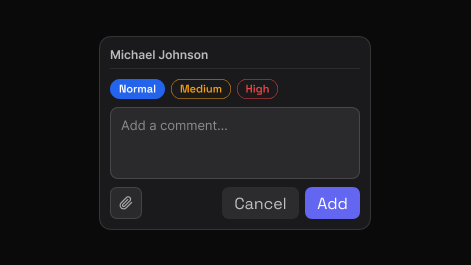
Point to the exact element and say what needs attention. EasyQA captures that element automatically, so the comment carries its own visual context.
Share one report. Teammates and clients reply in the browser, in real time, with no account and nothing to install.
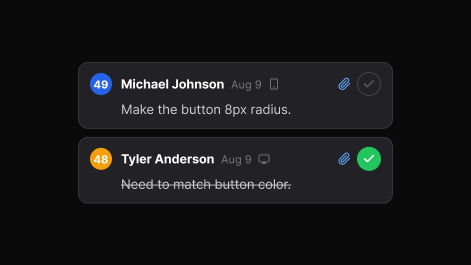
Set priority, assign, and track each item to resolved. The dashboard keeps every review, in folders you can search.
The pre-launch pass, made visible.
Send it to whoever needs to look. No install, no account.
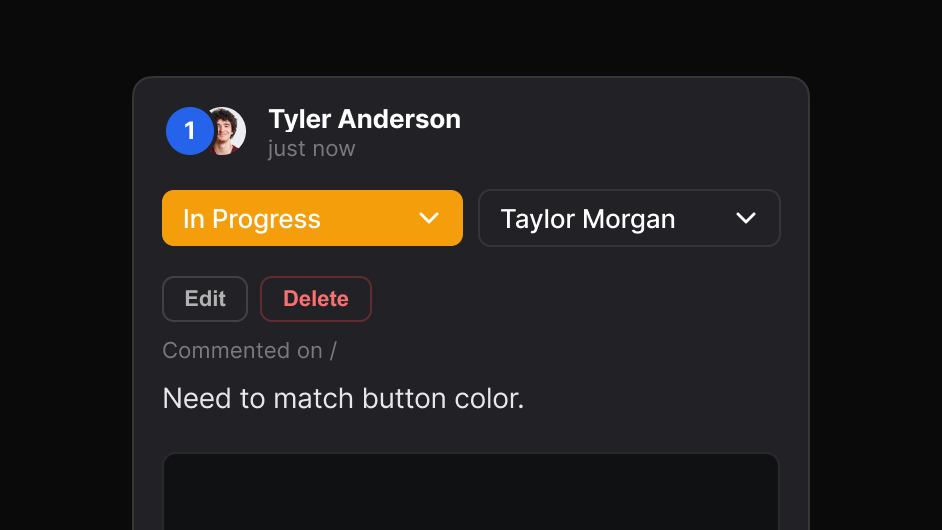
Separate launch blockers from polish before anyone starts work.
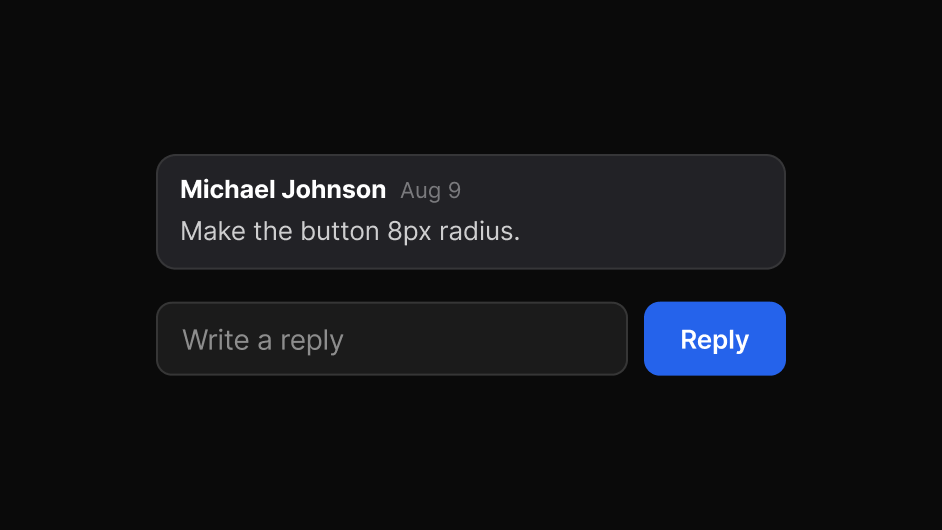
Comments and replies appear as they are written.
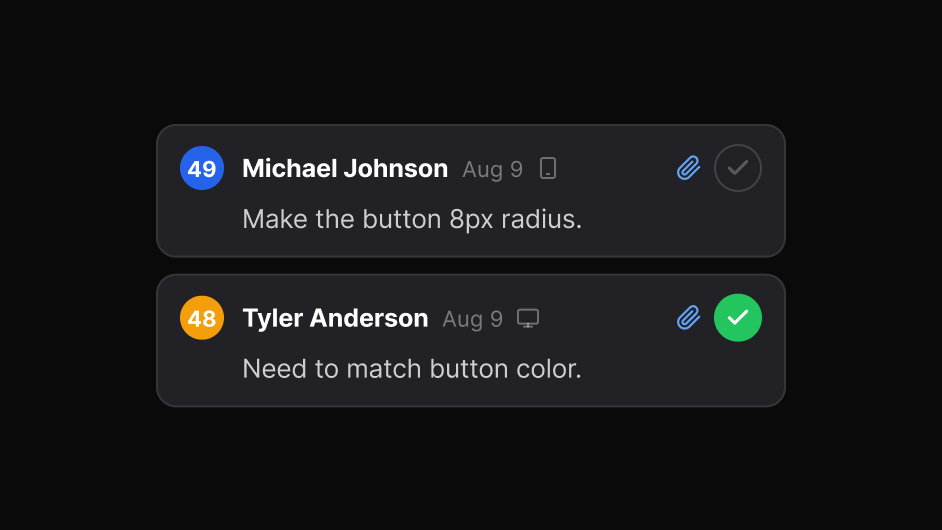
See what is left without asking for a status update.
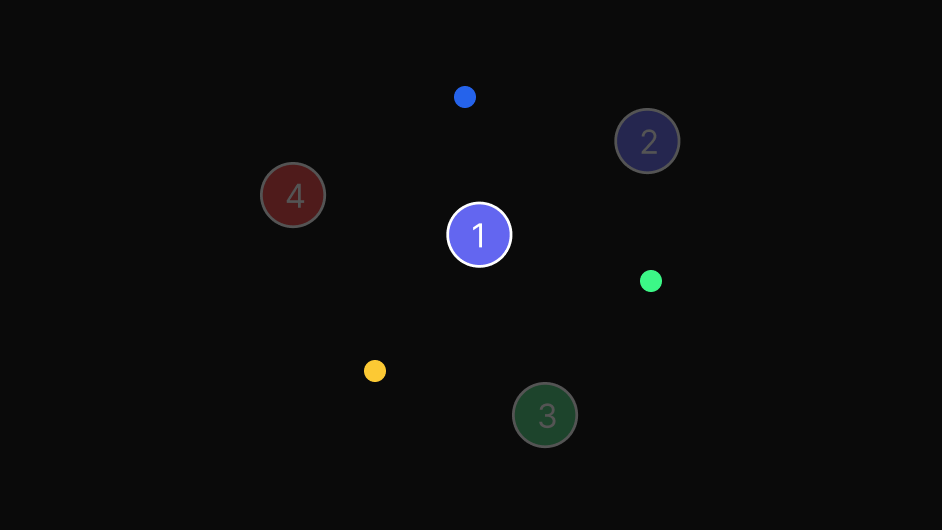
Every round stays in the dashboard, searchable.
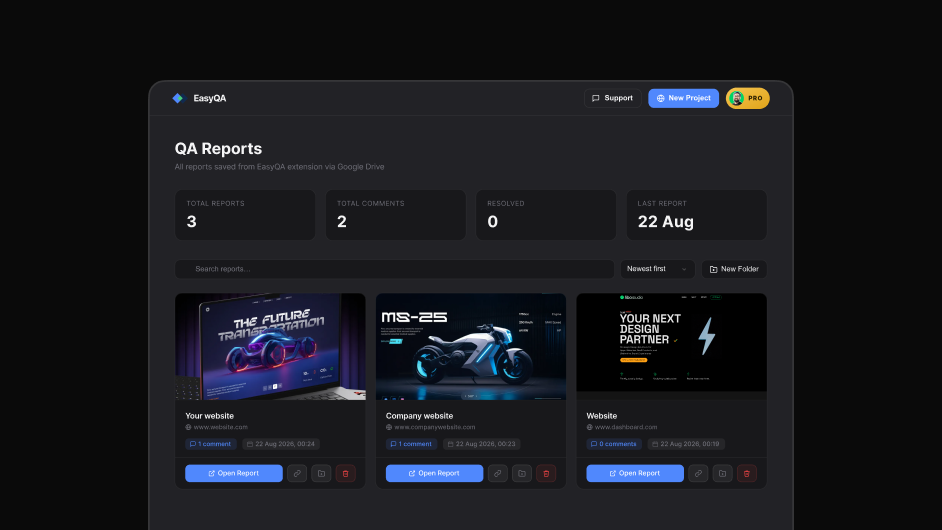
Reports are backed up to your Google Drive and stay yours.
Yes. They open a link and comment in their own browser, with nothing to install.
Yes, including environments behind a login when reviewing with the extension.