Data screens
Pin the chart, the cell or the filter
Click the exact widget that looks wrong, so nobody hunts through a busy screen for it.
More on web app feedback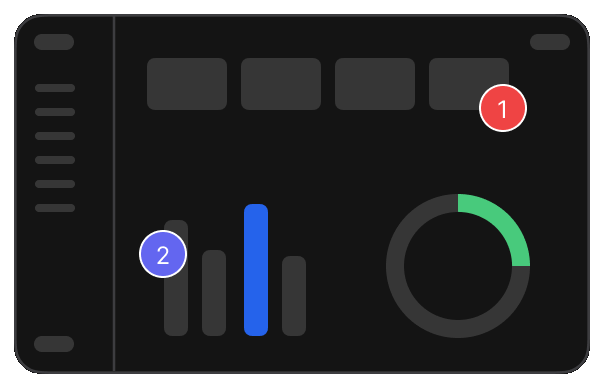
Catch layout, spacing, typography, responsive, and visual issues directly on the dashboard your team is building.
Review live, staging, development, and local dashboards.
A wrong label or a cramped chart is easy to miss and hard to describe.
Click the label or chart that is wrong. The note stays on that widget for the team.
Click the exact widget that looks wrong, so nobody hunts through a busy screen for it.
More on web app feedback
When the issue is a layout or a group of cards, mark the region instead of one element.
More on web app feedback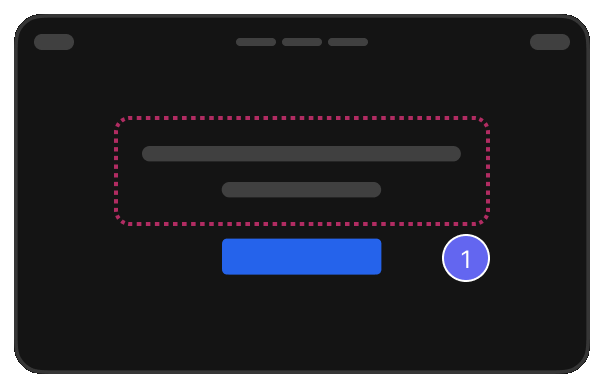
Read the font, size and weight of a label or number straight from the element.
More on design review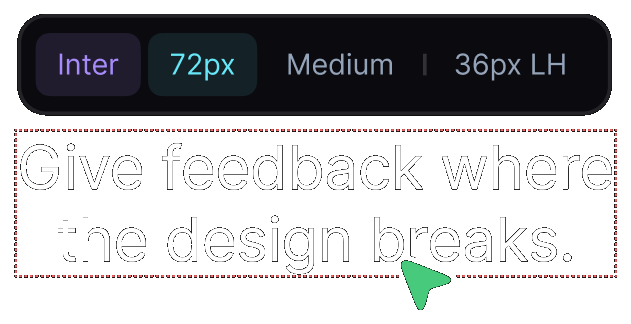
Check text and legend colours against AA and AAA, right on the screen.
More on design review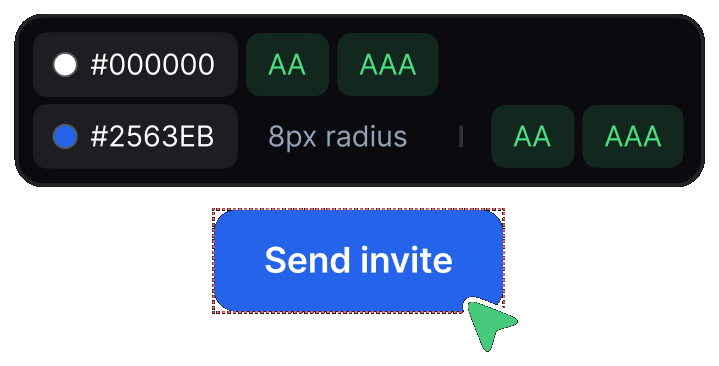
Move each item to in progress and assign it, so everyone knows what is theirs.
More on SaaS feedback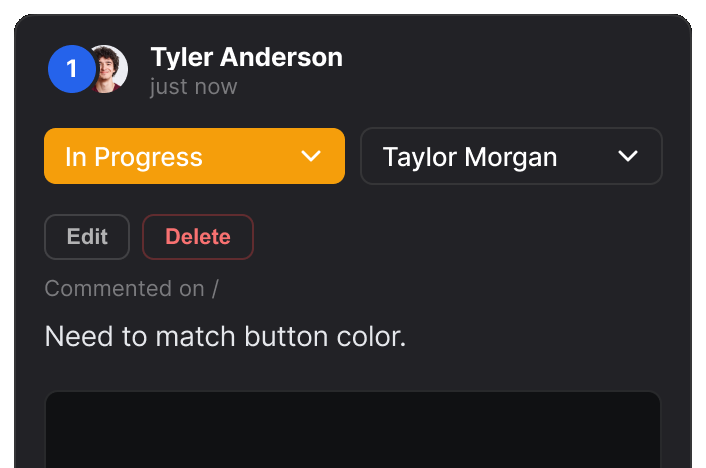
The same dashboard review, read the way each person needs it.

Check the built dashboard against the design.

Get precise visual context for complex dashboard issues.

Review dashboard work with clients in one place.

Find visual and responsive issues across complex interfaces.

Review dashboard changes before release.
Real reviews from the Chrome Web Store.
“Really useful extension for design QA! The overlay and compare tools make it super easy to spot differences between design and dev. Would love to see more features added great start!”

“Really useful extension for design QA! The overlay and compare tools make it super easy to spot differences between design and dev. Would love to see more features added great start!”
“EasyQA is a handy tool for comparing designs with the live site. The overlay feature works well and the commenting is a nice touch. Looking forward to seeing what’s coming next!”

“Good extension for QA work. Being able to drop comments right on the live page and share a link without the recipient needing to install anything is genuinely useful. Will keep using it.”

“wow, this is amazing - helping me to create quality work”

Yes. The review runs in your own browser session, so anything you can open, you can review.
Yes. Review at 1920, 1512, 1440 or any custom width and comment at the breakpoint where the layout breaks down.
Yes. Overlay the design on the built dashboard or view them side by side at the same width.
Yes. Read font family, size, weight and line height off the page, and measure padding, margins and gaps with the ruler.
Yes. Inspect colour values with AA and AAA results, so accessibility is part of the review.
Yes. Live, staging, development and localhost all work the same way.