Client approval tool

Get sign-off
on the real page.

Send one link. Clients comment and approve in their browser, with no account. You see every round. They see each fix.

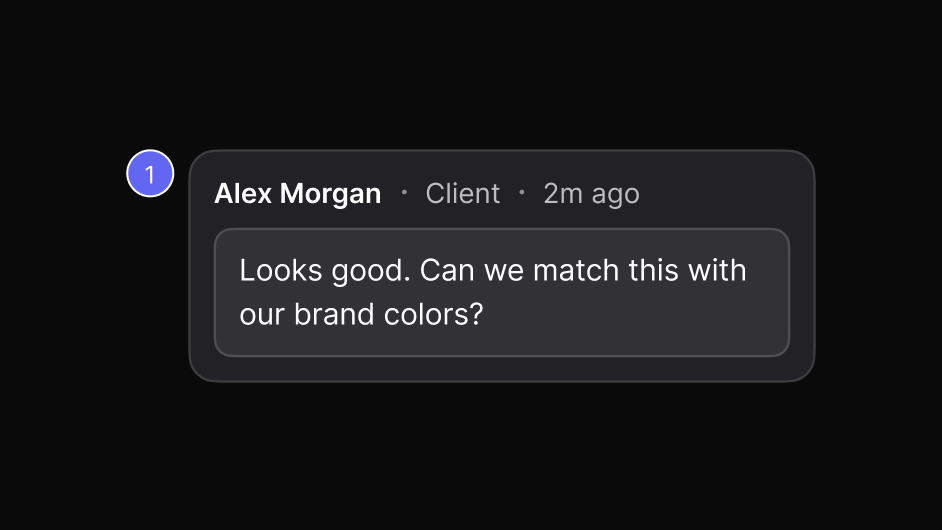
A client's comment on a page
The story

One client round, start to finish.

How a client review goes when the feedback lives on the page instead of in an email chain.

  1. Step 1

    Share the link

    Send the client one link to the staging site, the photos or the PDF.

    Team avatars and an invite field
  2. Step 2

    The client comments

    They click what they want changed and type it, with no account to create.
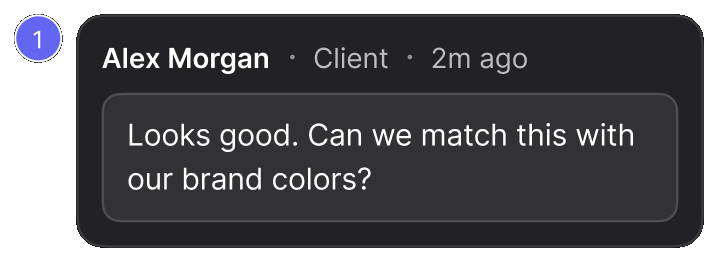
    A client's comment on a page
  3. Step 3

    Your team picks it up

    Assign each comment to a designer or developer, with a priority.
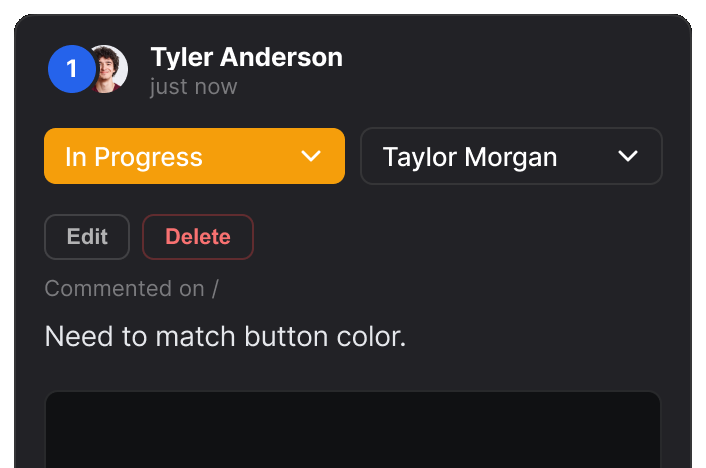
    A comment assigned to a teammate
  4. Step 4

    Replies in real time

    You answer questions in the comment's thread, while everyone looks.
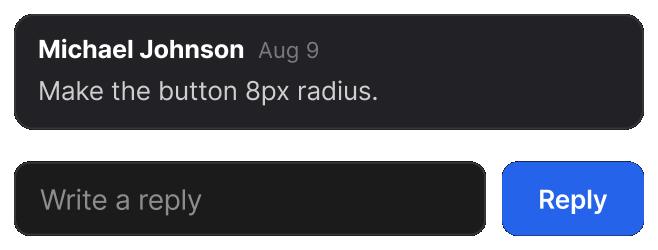
    A comment with a reply field underneath
  5. Step 5

    Approved

    The client resolves the last item, and the round stays on record.
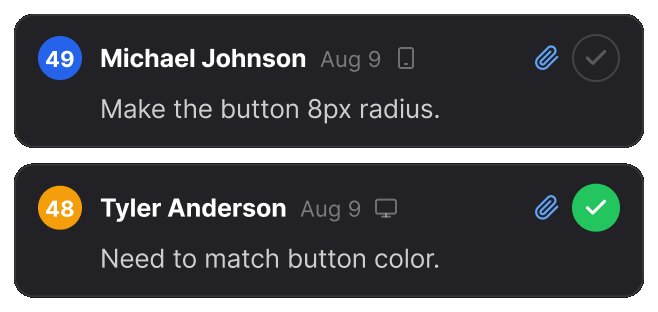
    Two comments in a report, one resolved
Reviews

Loved by teams
around the world.

Real reviews from the Chrome Web Store.

“Really useful extension for design QA! The overlay and compare tools make it super easy to spot differences between design and dev. Would love to see more features added great start!”
Rakibul H. Rocky
Senior Designer
Rakibul H. Rocky
FAQ

Questions

Do clients need to install anything?

No. The link opens in any browser, and clients can comment, reply and resolve without signing up.

Can clients review files, not just websites?

Yes. Photos and PDFs open in the same report, with the same comments and statuses.

Do client comments count against my plan?

Comments count toward each report's limit on the free plan (10 per report). Pro and Team have no comment limit.