Website QA

Website QA,
on the real page.

Capture feedback where the issue appears, check the build against the design, and take every item through to resolved. One tool, from first pin to sign-off.

Works on live, staging and local sites. The people you share with need nothing.

Capture

Pin feedback on the exact element

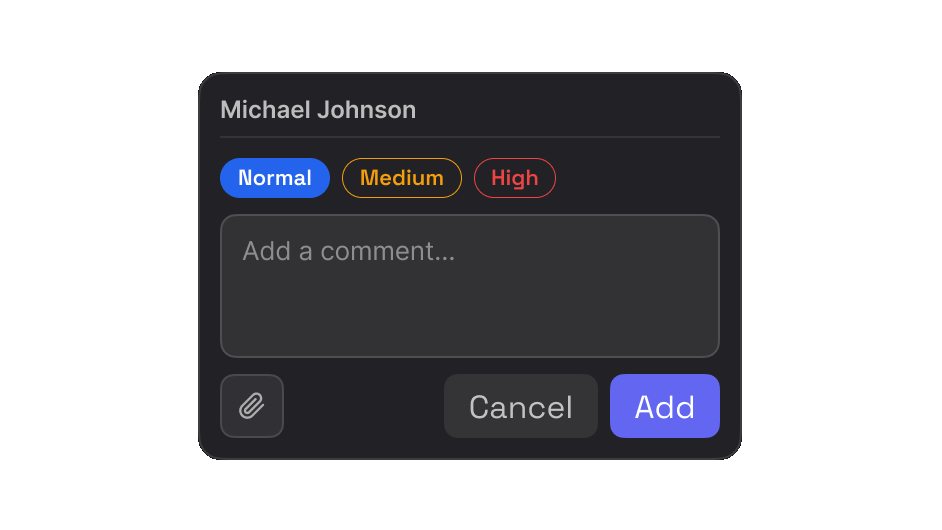
Click any element on a live, staging or local site and write what needs attention. Set the priority as you go.

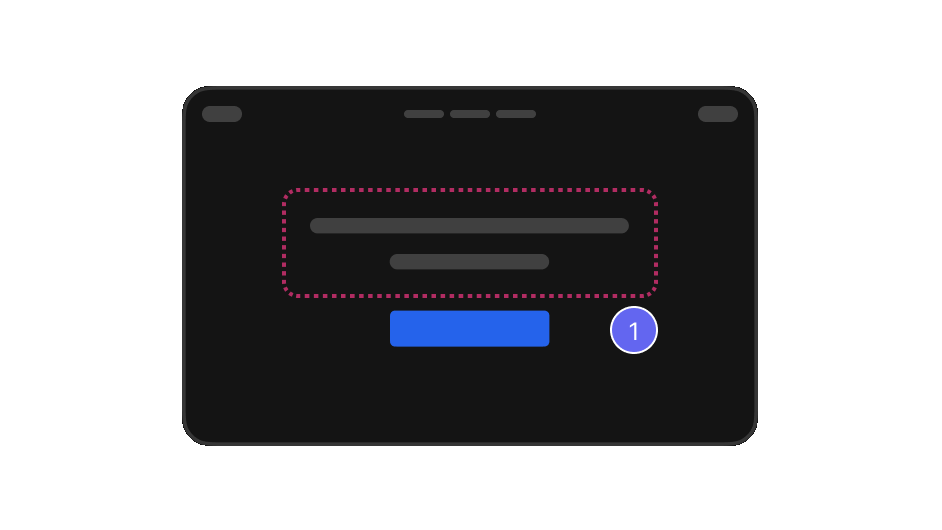
Mark a single element, or draw around a region when the issue is the whole block.

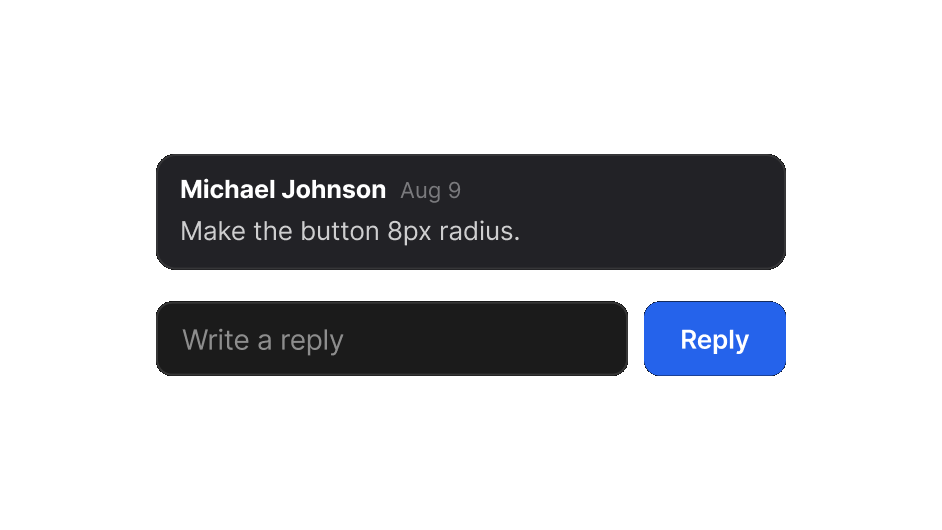
Teammates and clients answer in the same thread, in the browser, with no account and nothing to install.
More on website feedback
The EasyQA comment box, with Normal, Medium and High priority A numbered pin on a highlighted region of a page A comment with a reply field underneath
Design review

Check the build against the design

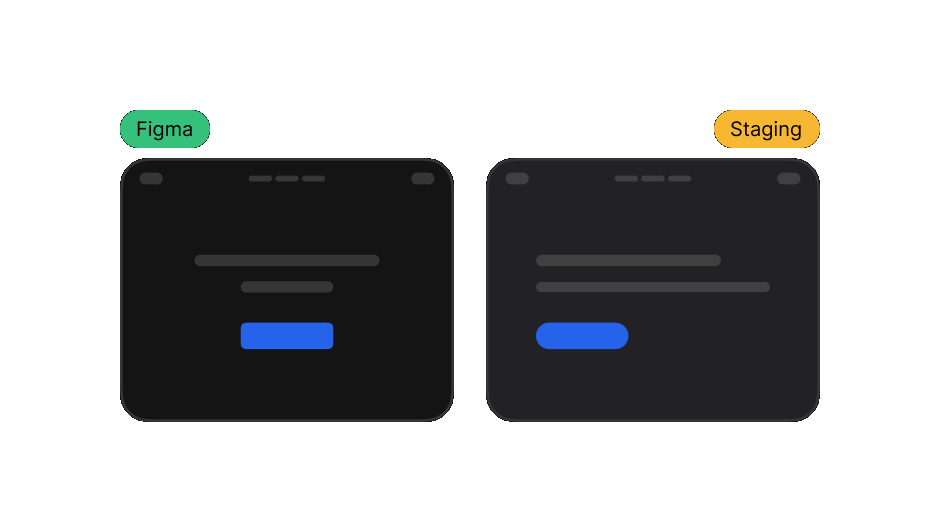
Put the design next to the live page at the same width, or overlay it, and see exactly what drifted.

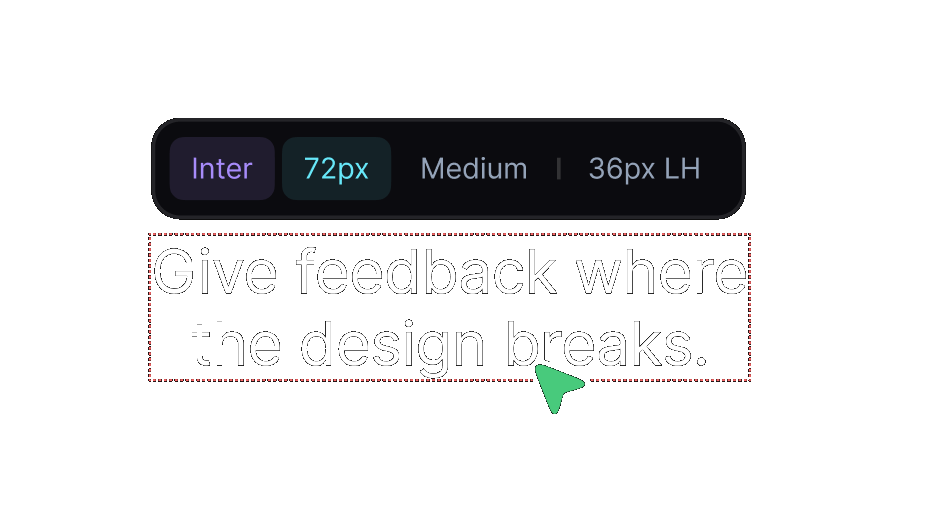
Read the font, size, weight and line height straight from the element instead of guessing from a screenshot.

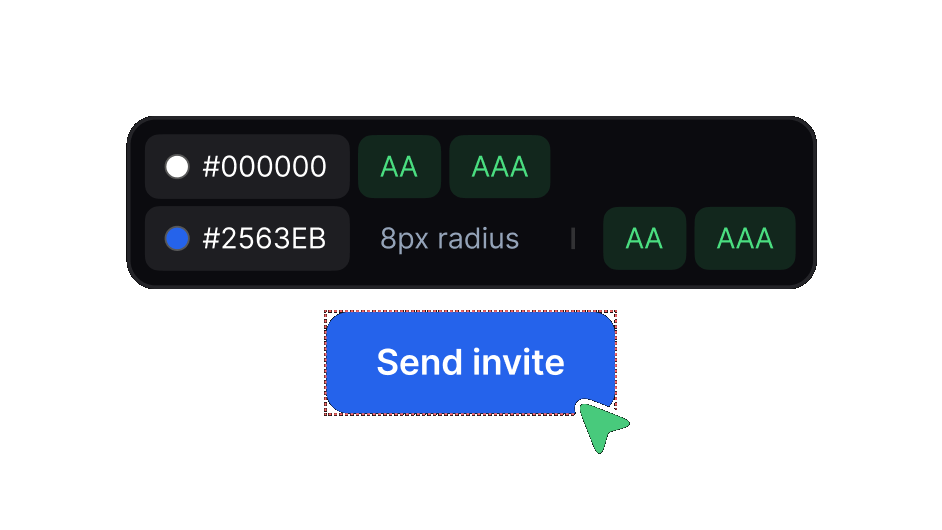
See each colour with its AA and AAA contrast result, right on the button or text you are reviewing.
More on design review
The Figma design beside the staging build A heading inspected for font, size, weight and line height Colour values with their AA and AAA contrast results
Resolve

Take every issue through to done

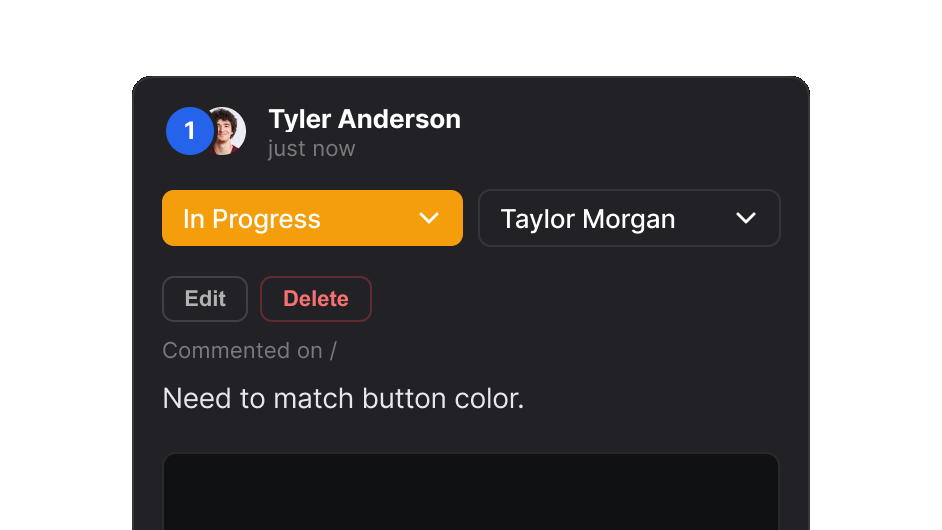
Move items to in progress and put each one in front of whoever fixes it.

Close an item when you finish the work. The report then shows only the open items.

Every pin and reply stays in the report. Nobody discusses the same issue twice.
More on visual QA
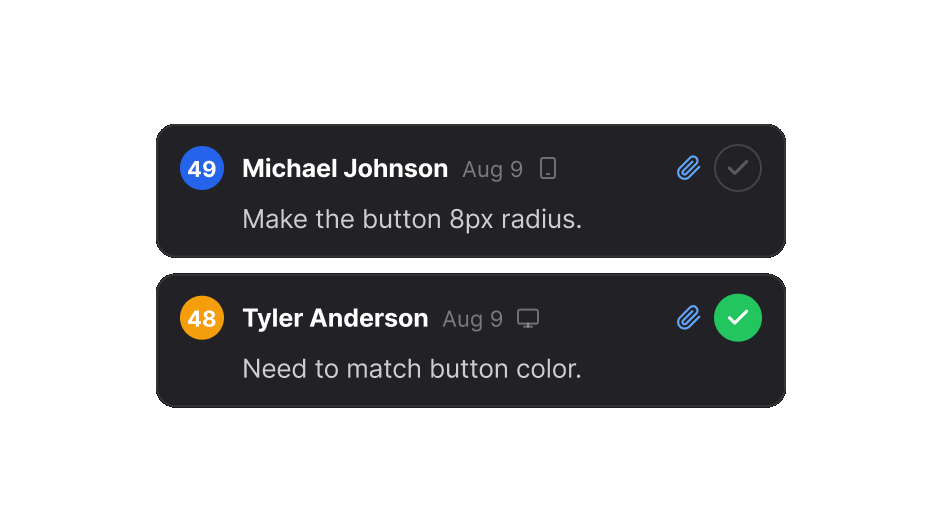
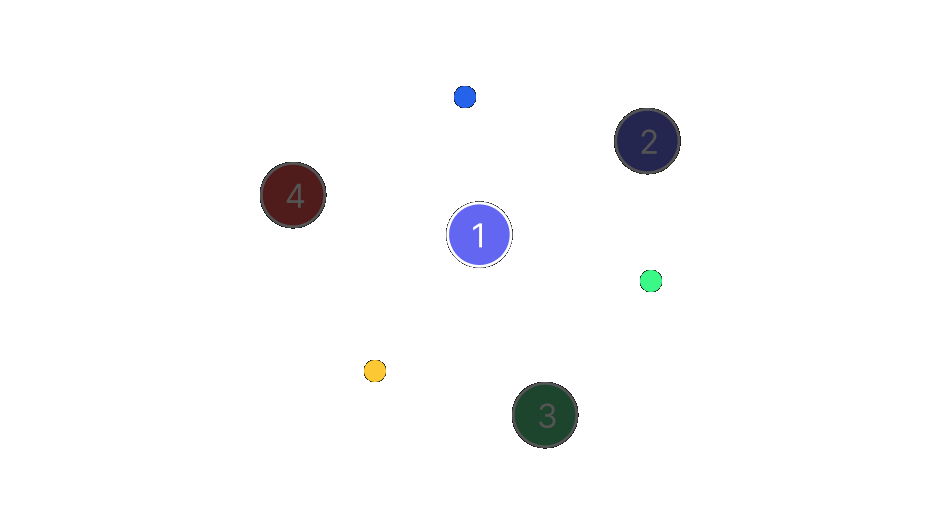
A comment set to In Progress and assigned to a teammate Two comments in a report, one marked resolved Numbered pins across a page, open and resolved
Who it's for

One workflow. Different teams.

The same review, read the way each person needs it.

Reviews

Loved by teams
around the world.

Real reviews from the Chrome Web Store.

“Really useful extension for design QA! The overlay and compare tools make it super easy to spot differences between design and dev. Would love to see more features added great start!”
Rakibul H. Rocky
Senior Designer
Rakibul H. Rocky
FAQ

Questions

What is website QA in EasyQA?

You review the real website for visual issues and comment on the exact element. Then you track each issue until the fix is in.

Does it work on staging or localhost?

Yes, with the browser extension. It runs in your own browser session, so anything you can open, you can review.

Do clients need an account to review?

No. A report link opens in any modern browser, and they can comment and reply without signing up.

Can I compare the build with a Figma design?

Yes. Side-by-side compare and design overlay put the intended design next to the live page at the same width.

What does it cost?

You can start free. Pro and Team add more reports, more comments and your own team.