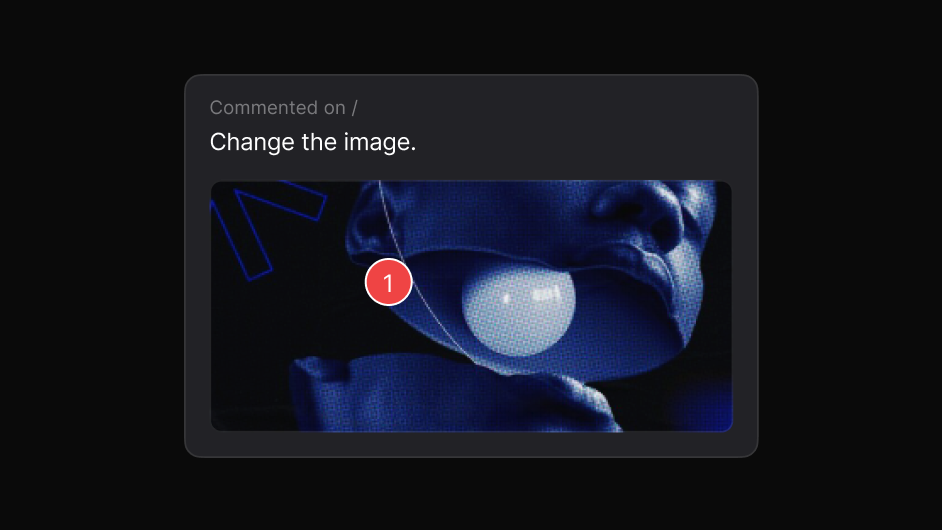
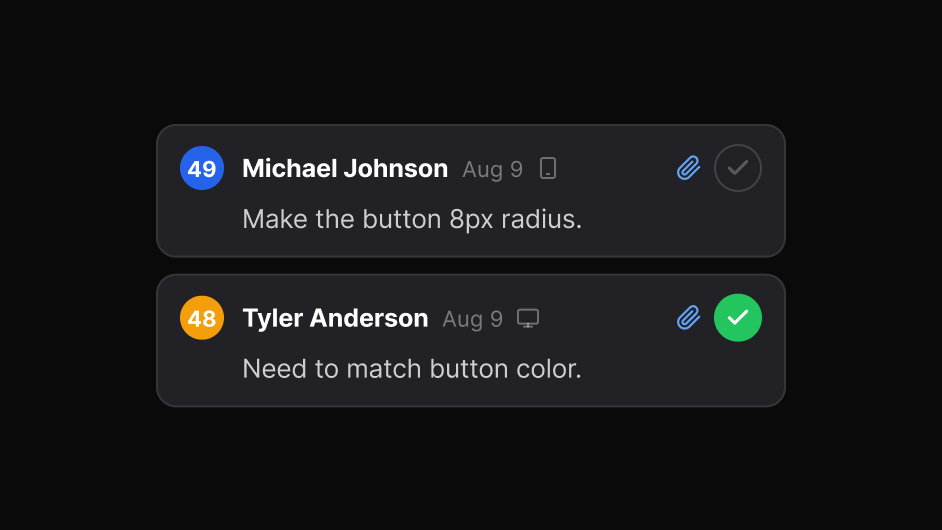
Upload one file or many. Each opens as a tab with the same pins, replies, statuses and sharing as a website review.
Nothing to install for the people you share with.

Choose Photos or PDF when you create a project, then add one file or several. Each becomes its own tab.

Click the spot and write what needs to change. Zoom to fit, or to any size, to get it exact.

Send one link. Reviewers reply and resolve in the browser with no account.
EasyQA shows each PDF page with its real text. The review tools work on it as they do on a website.
Real reviews from the Chrome Web Store.
“Really useful extension for design QA! The overlay and compare tools make it super easy to spot differences between design and dev. Would love to see more features added great start!”
“EasyQA is a handy tool for comparing designs with the live site. The overlay feature works well and the commenting is a nice touch. Looking forward to seeing what’s coming next!”
“Good extension for QA work. Being able to drop comments right on the live page and share a link without the recipient needing to install anything is genuinely useful. Will keep using it.”
“wow, this is amazing - helping me to create quality work”
Photos (such as PNG and JPG) and PDFs. A report holds up to 20 files. Each photo can be up to 15 MB, and each PDF up to 30 MB.
The ruler and text tools need real text, so they work on PDFs. Photos get pins, comments, zoom and the same sharing and statuses.
No. A photo or PDF report counts as one report, for any number of files.