Pin comments
Click anything on a live page and leave a comment right on it.
Works on live, staging and local sites. Set the priority while you write. Blockers stay separate from small fixes.
Leave your first comment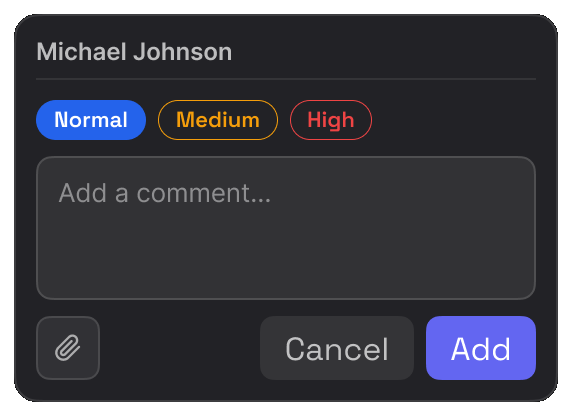
Point at the problem, prove it with real values, and take it to resolved. The free plan includes all of it.
Works on live, staging and local sites. Set the priority while you write. Blockers stay separate from small fixes.
Leave your first comment
When the problem is the layout rather than a single button, mark the region and say what is off.
See visual feedback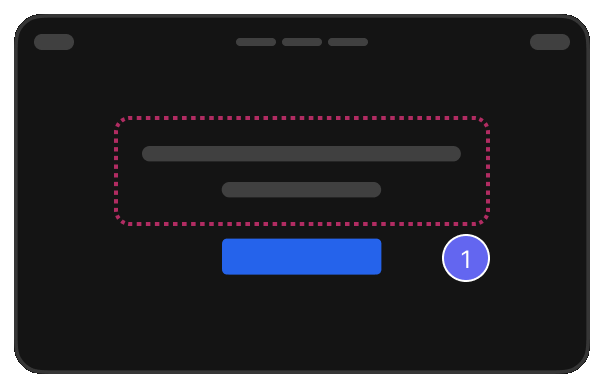
EasyQA captures the element and marks the spot. Nobody asks which button you meant.
Try it free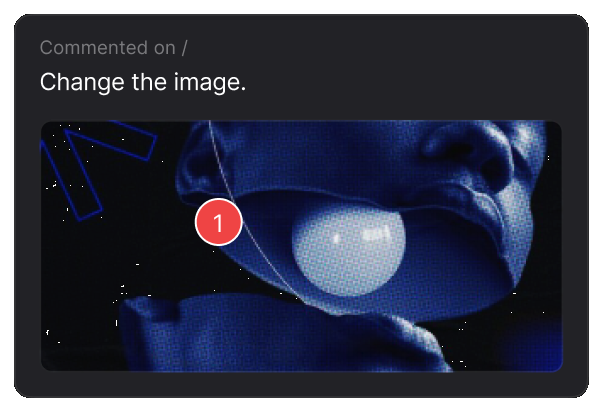
Pause the page, pin the dropdown that keeps vanishing, then carry on.
See visual QA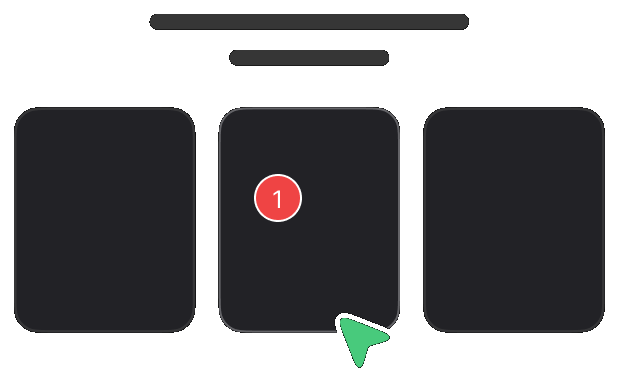
Record up to five minutes on any comment or reply. You get a transcript you can correct before posting.
Try it free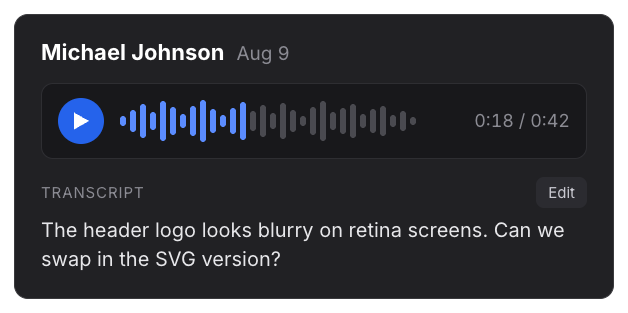
Upload one file or many. In a PDF the text stays real, so you can select a word, read its font and measure the gaps.
See photo and PDF review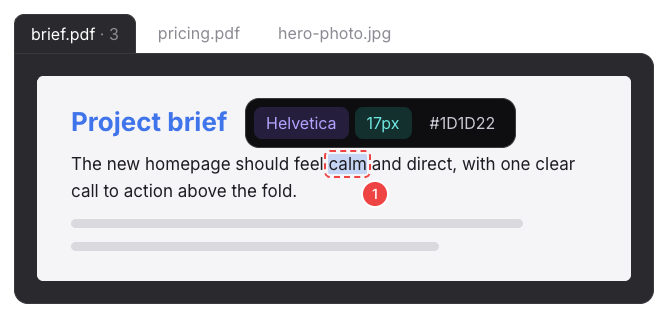
Overlay it, or put them side by side at the same width. Drag the divider to check any detail.
See design review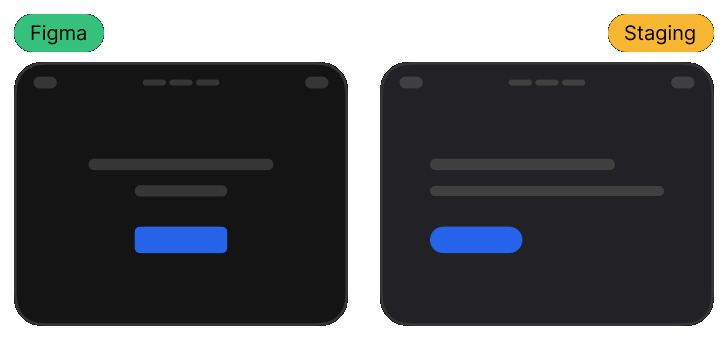
No more guessing from a screenshot. Hover any text and the real values are right there.
See design feedback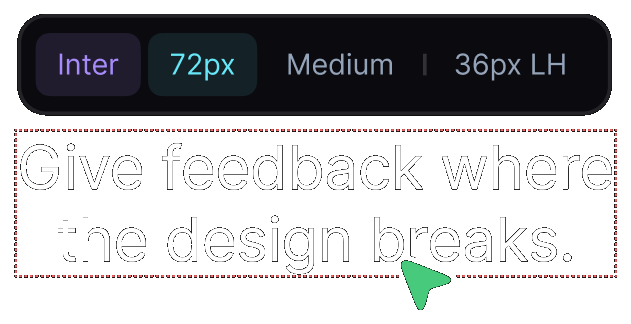
So the note says 24px, design says 32, instead of a vague feels a bit tight.
Try it free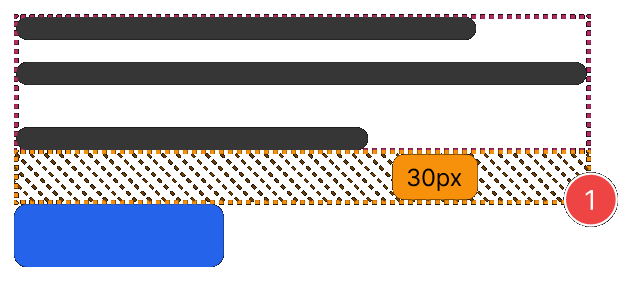
See the exact colour of any text or button, with its contrast result, while you review.
Try it free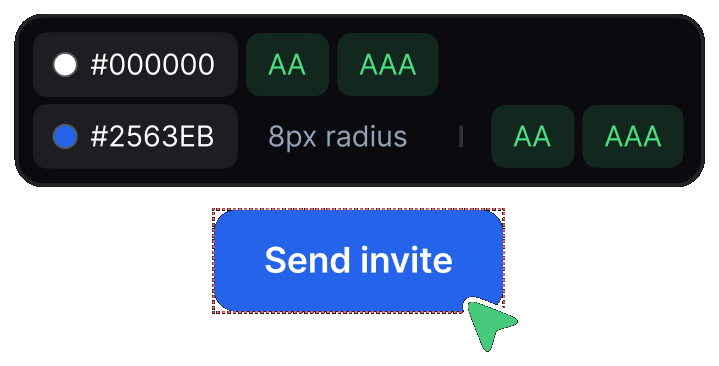
Switch devices, turn a tablet on its side, or set any width you need. Each comment records its device.
See web app feedback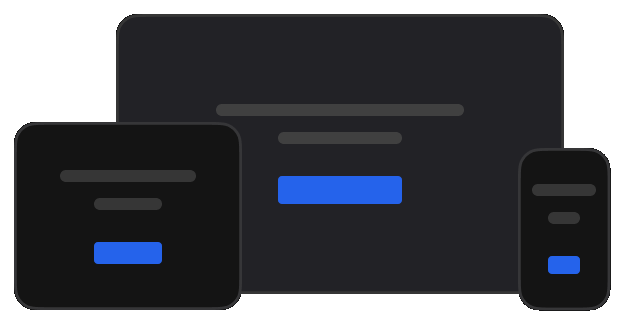
The audit gives the page a score out of 100. You see how much work remains before launch.
See the page audit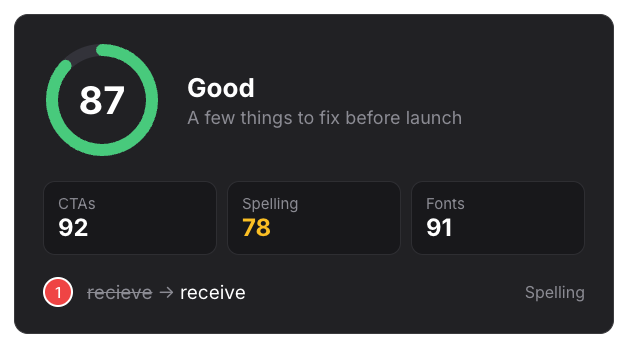
Invite teammates by email or send the link to anyone. Nobody needs to install anything.
See client approval
Talk it through in the comment's own thread instead of a separate chat.
Try it free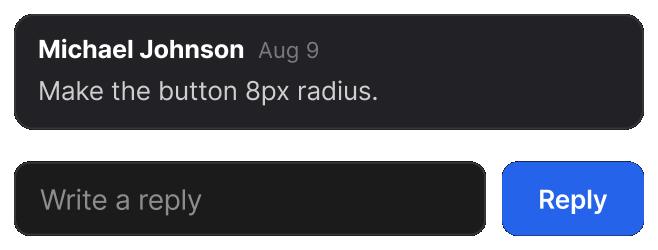
Set the priority, pick an owner, and everyone can see what is theirs.
See it for product teams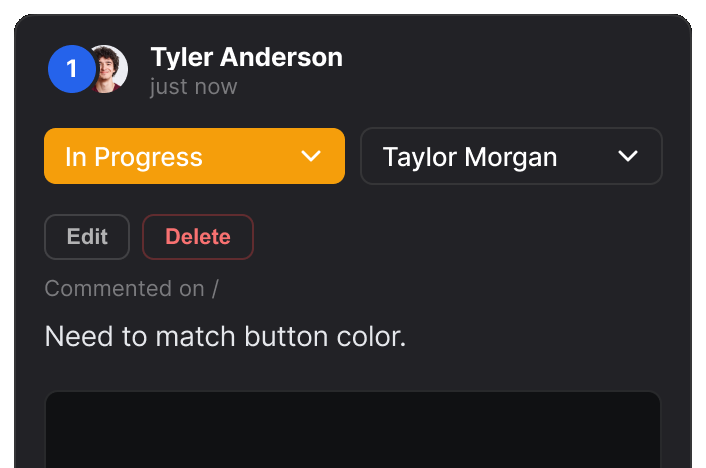
The report shows the open items. Nobody discusses the same issue twice.
Try it free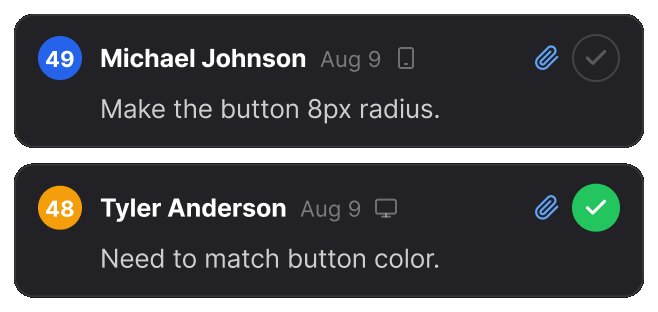
EasyQA saves your reports to your own Google Drive. They stay yours, even if you leave.
See pricing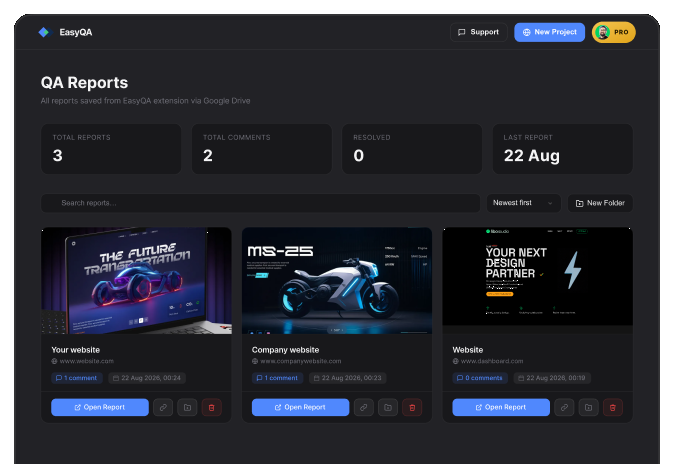
Or anywhere else with a signed webhook, including Zapier, Make and n8n. ClickUp status changes come back to EasyQA. Included on the Team plan.
See the plansThe free Chrome extension runs in your own browser session, so it works anywhere you can open a page.
Get the extension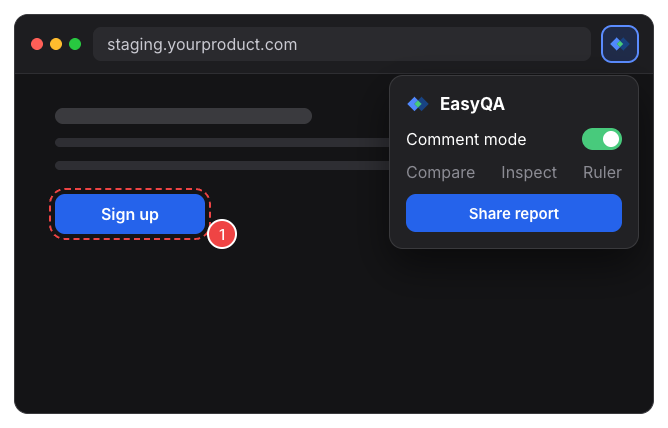
Real reviews from the Chrome Web Store.
“Really useful extension for design QA! The overlay and compare tools make it super easy to spot differences between design and dev. Would love to see more features added great start!”

“Really useful extension for design QA! The overlay and compare tools make it super easy to spot differences between design and dev. Would love to see more features added great start!”
“EasyQA is a handy tool for comparing designs with the live site. The overlay feature works well and the commenting is a nice touch. Looking forward to seeing what’s coming next!”

“Good extension for QA work. Being able to drop comments right on the live page and share a link without the recipient needing to install anything is genuinely useful. Will keep using it.”

“wow, this is amazing - helping me to create quality work”

No review tool is. Free includes every tool with 3 reports and 10 comments per report. Pro removes those limits; Team adds more members, Integrations and the Kanban board.
Not to start. Paste a website address or upload photos and PDFs in the dashboard. The extension is for reviewing pages you open yourself, including staging, localhost and sites behind a login.
On the Team plan, EasyQA sends updates to Slack and ClickUp. A signed webhook sends them to any other service. ClickUp status changes come back to EasyQA.